
Can Radiant Photo mobile version be used as a Plugin for other Apps?
Wala pang Filipino na bersyon ang artikulong ito, kaya Ingles ang ipinapakita.
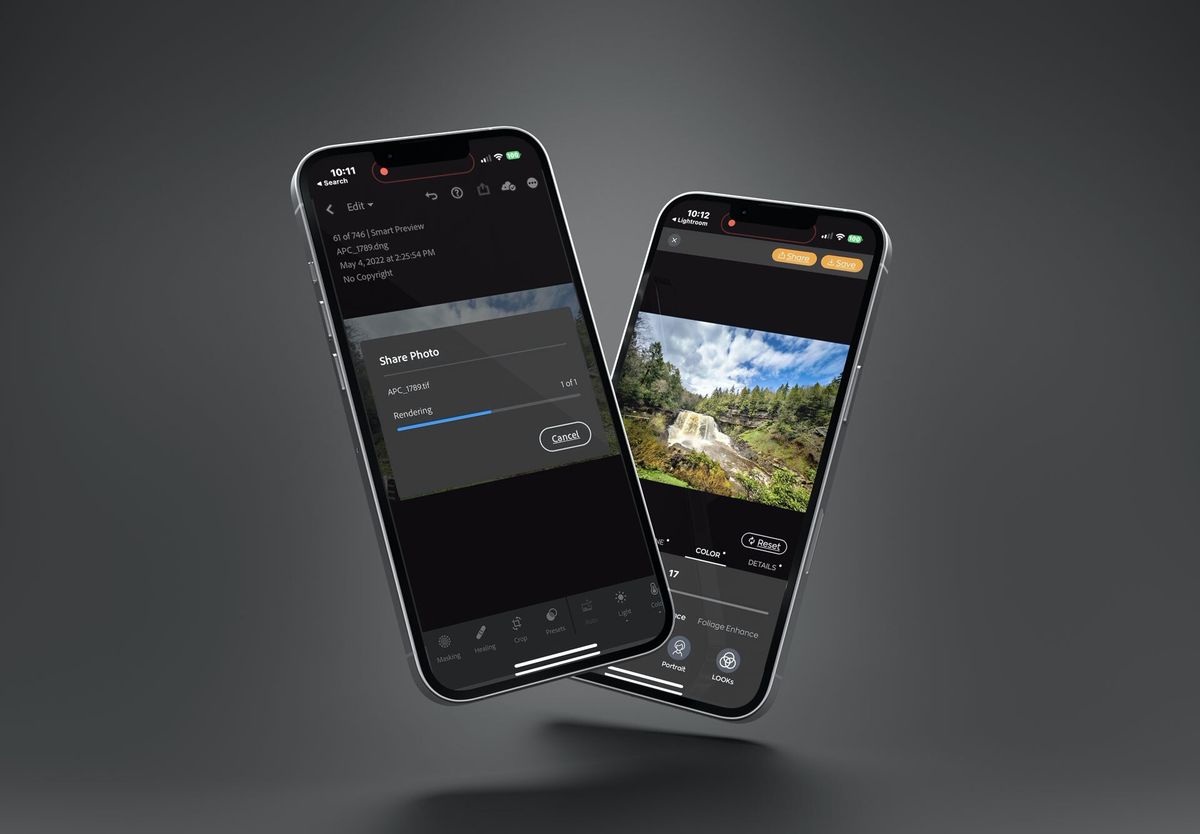
It’s pretty easy to use Radiant Photo mobile app as a plugin to other photo apps. Whether it's your favorite smartphone camera app, a graphics tool, or another photo editor… it’s simple to connect two apps:
- Select an image in another app.
- Tap the Share menu.
- Choose Radiant Photo from the shortcut list.
If it’s not listed, tap More. - Edit the image to taste with Radiant Photo.
- Tap the Share button in Radiant Photo.
- Choose the original (or another) app to return the file.
You can check the video tutorial in our Community.
Nakatulong ba ito?