



A closer starting point
Radiant Photo - Core, included with Radiant Photo, is made for everyday photography. A Workflow knows its genre in more detail, so the recipe it picks is closer to the photo you have in mind.
Workflows for Radiant Photo
Radiant Photo already recognizes the scene in every photo you open. A Workflow adds the scenes of one genre, portraits, landscapes, birds or pets, each with recipes made for it. You start closer to finished, and every setting stays yours to change.
Why add a Workflow
Radiant Photo - Core, included with Radiant Photo, is made for everyday photography. A Workflow knows its genre in more detail, so the recipe it picks is closer to the photo you have in mind.
The routine corrections for that kind of scene are already done when the photo opens. You spend your time on the choices that are yours: the mood, the crop, the Look.
Every correction stays adjustable. Choose a different scene for any photo, or make your own recipe the default for a scene.
A Workflow adds to Radiant Photo: the same editor, the same tools, the same Looks. Nothing new to learn.
The Workflows
Buy the one you shoot most, or all four together in the bundle.
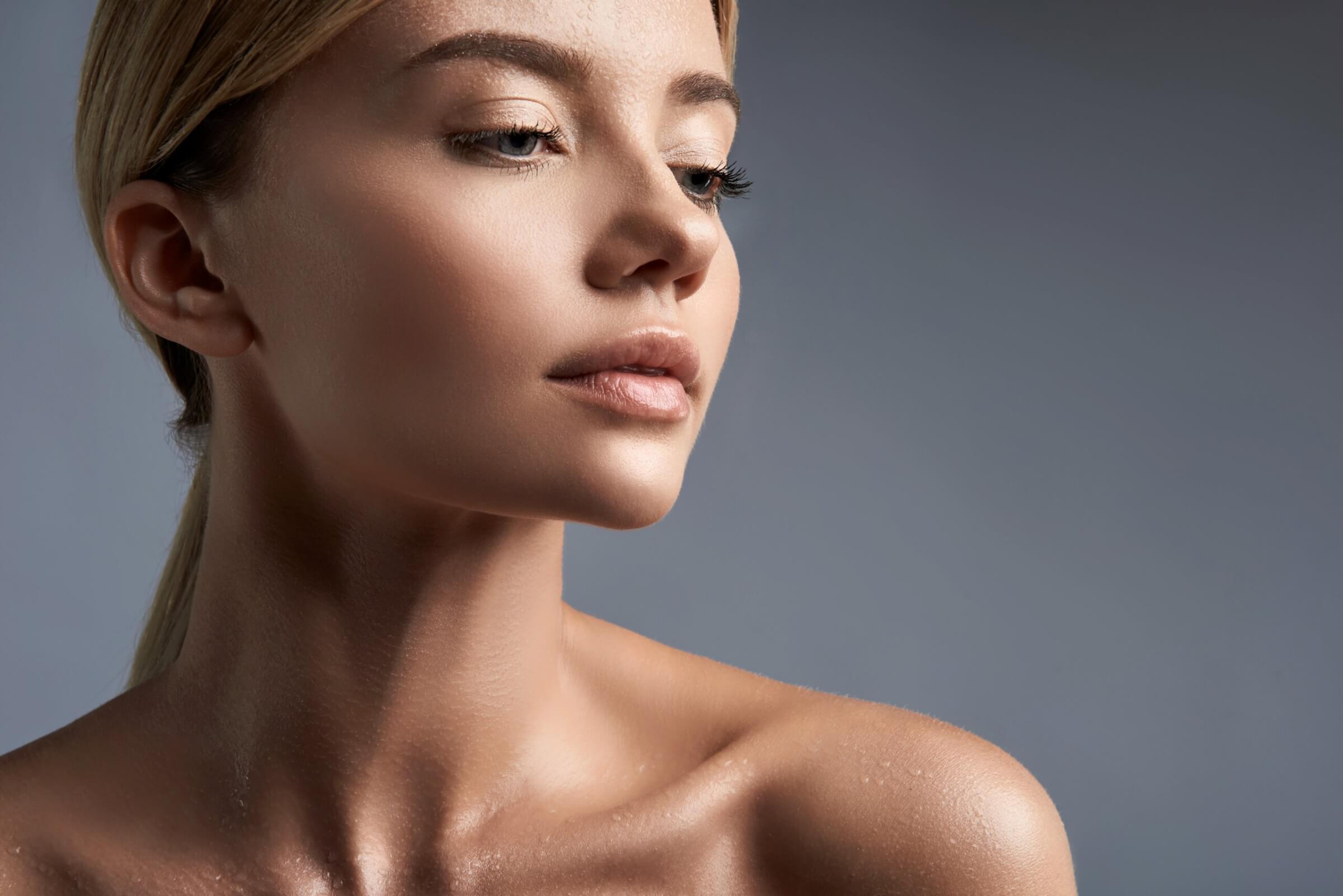

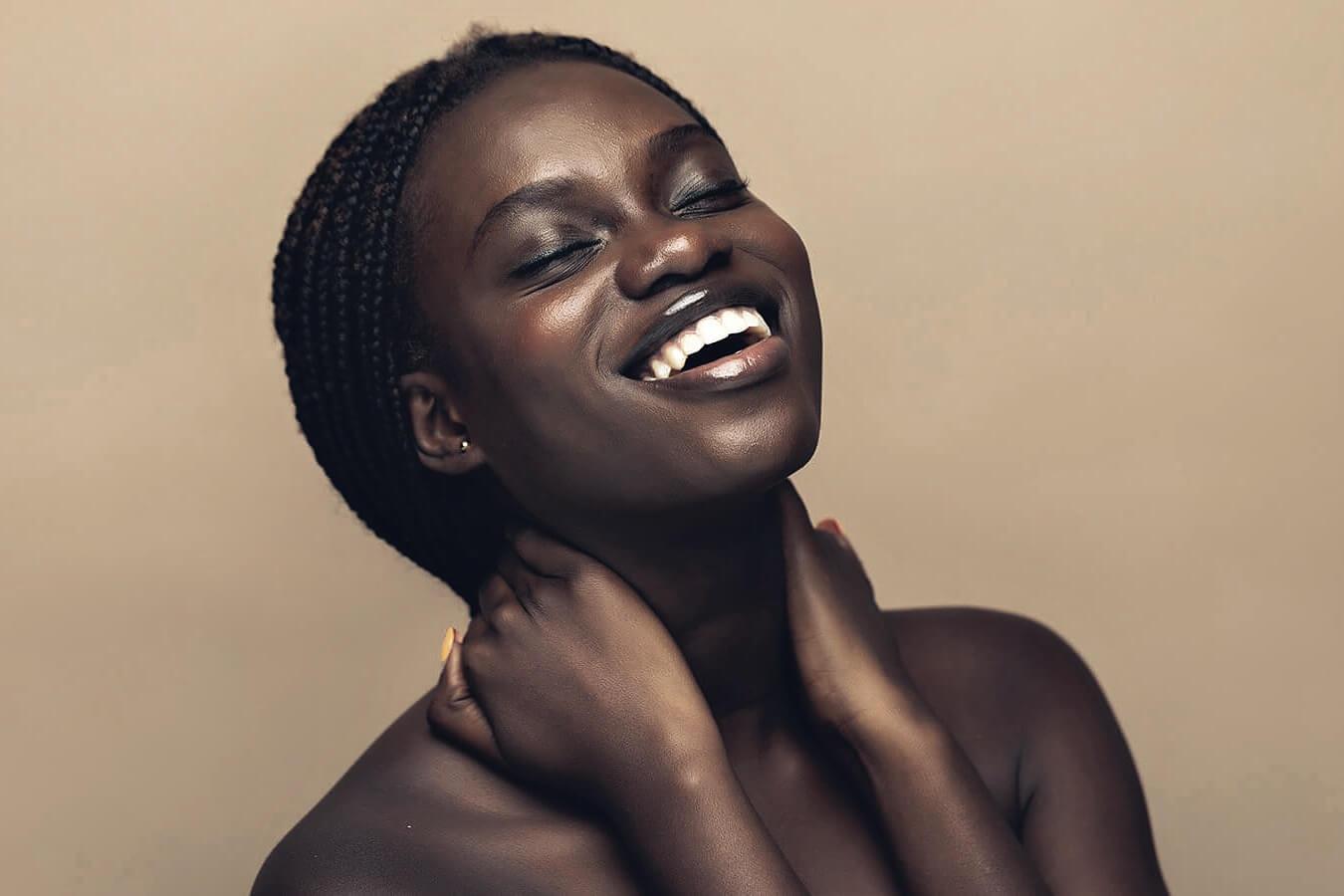
For people: in the studio, outdoors and in groups.
About the Portraiture Workflow$89
One-time purchase · 2 machines
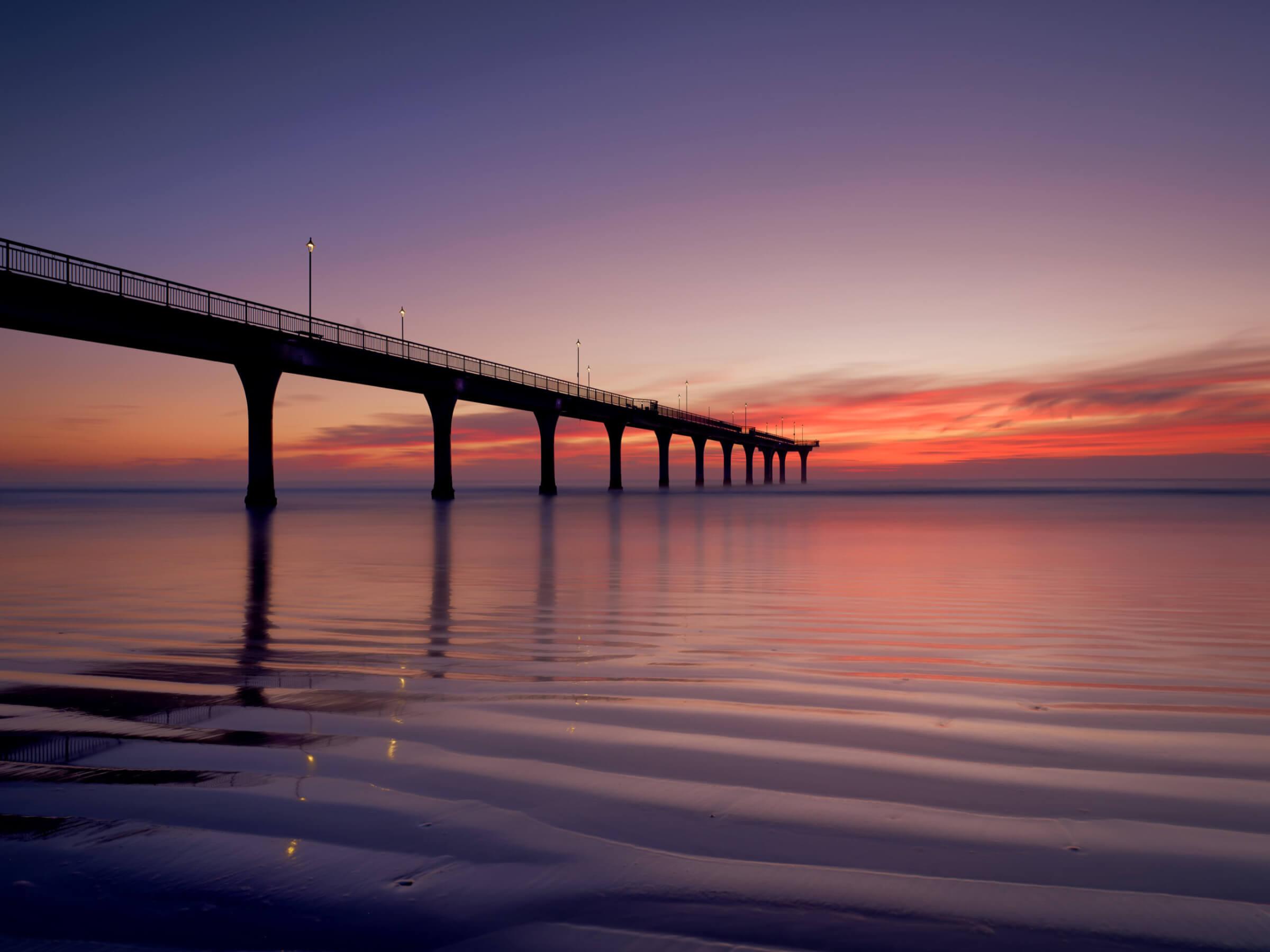

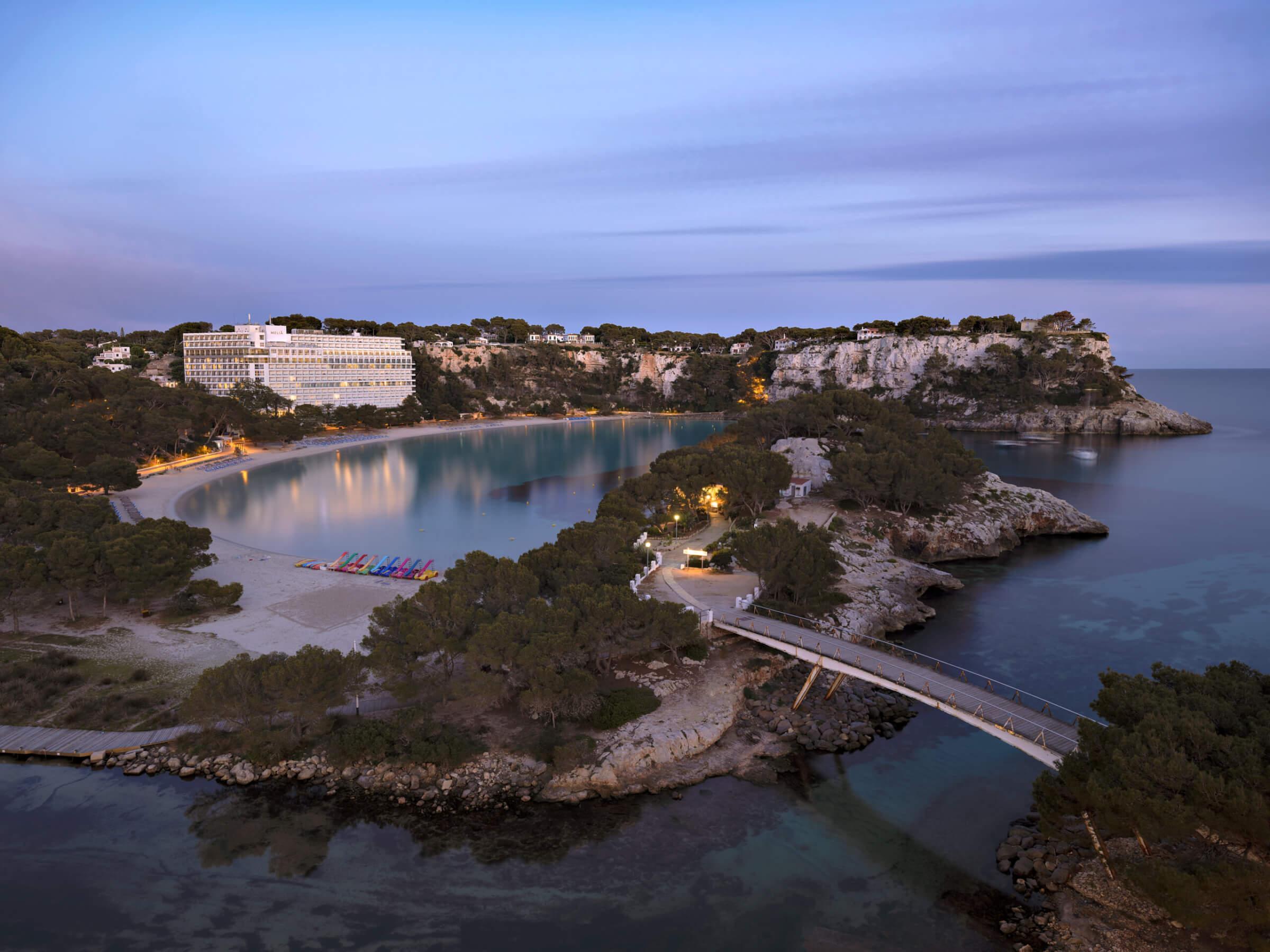
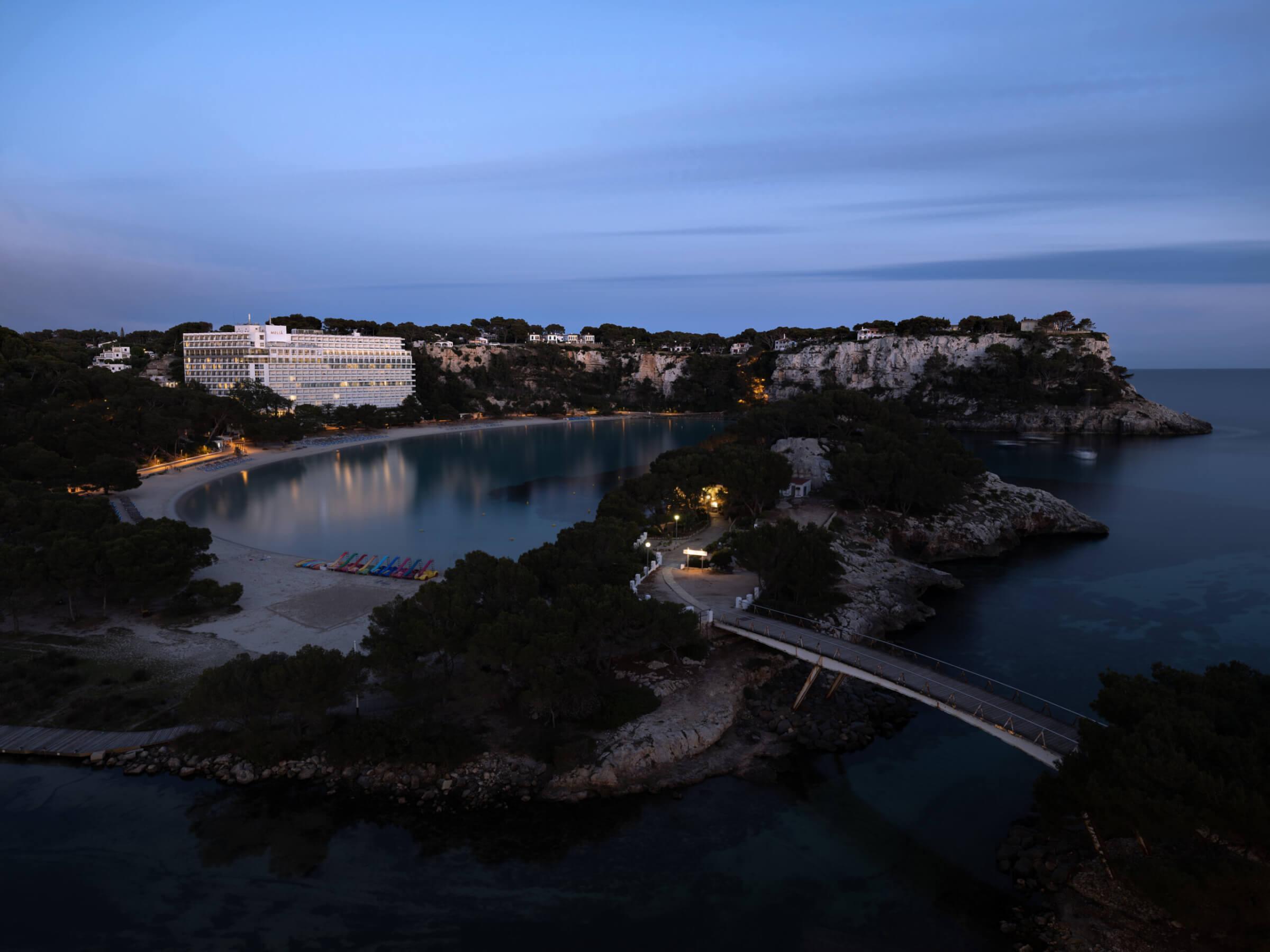
For landscapes and cities, from golden hour to night.
About the Landscapes Workflow$89
One-time purchase · 2 machines
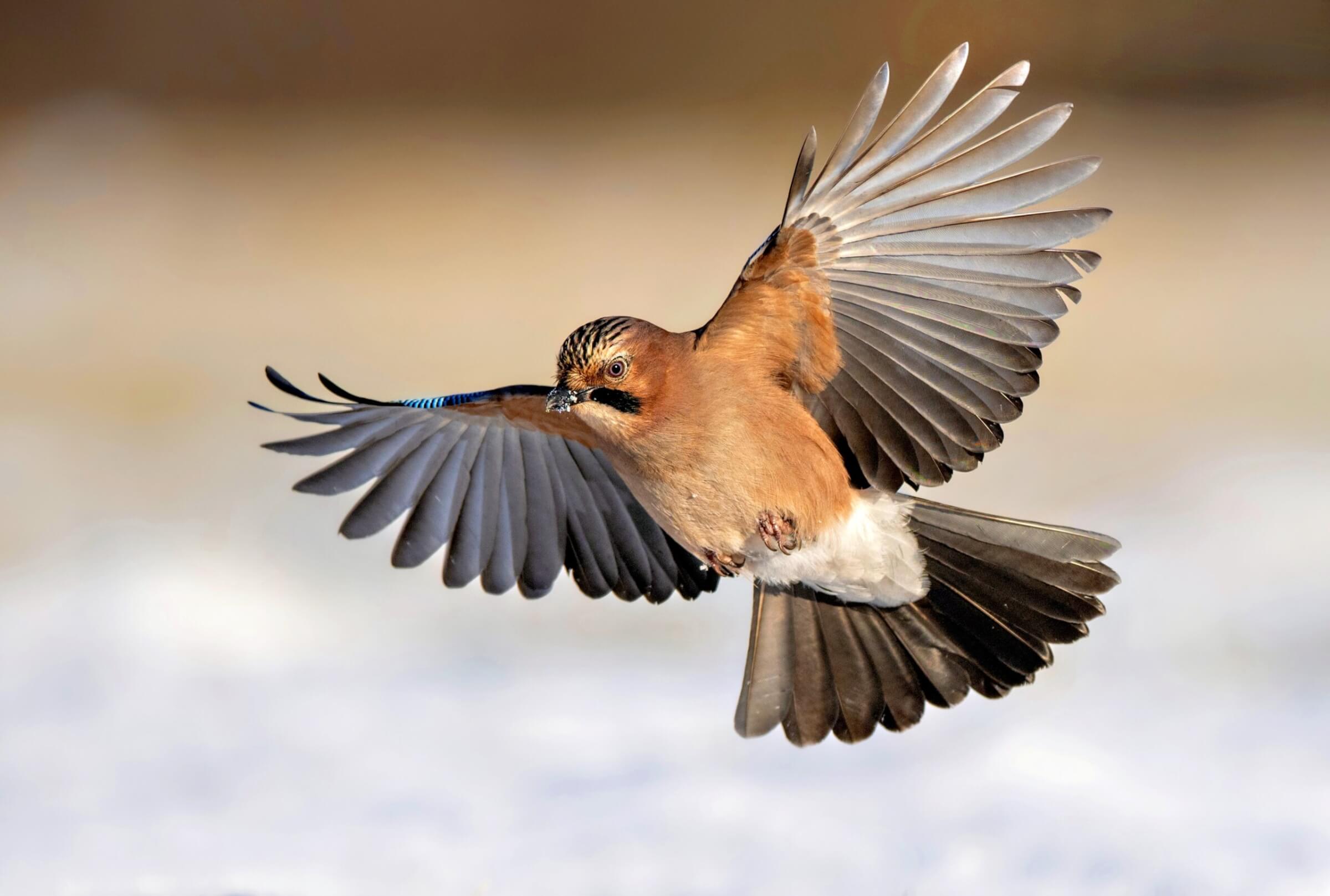

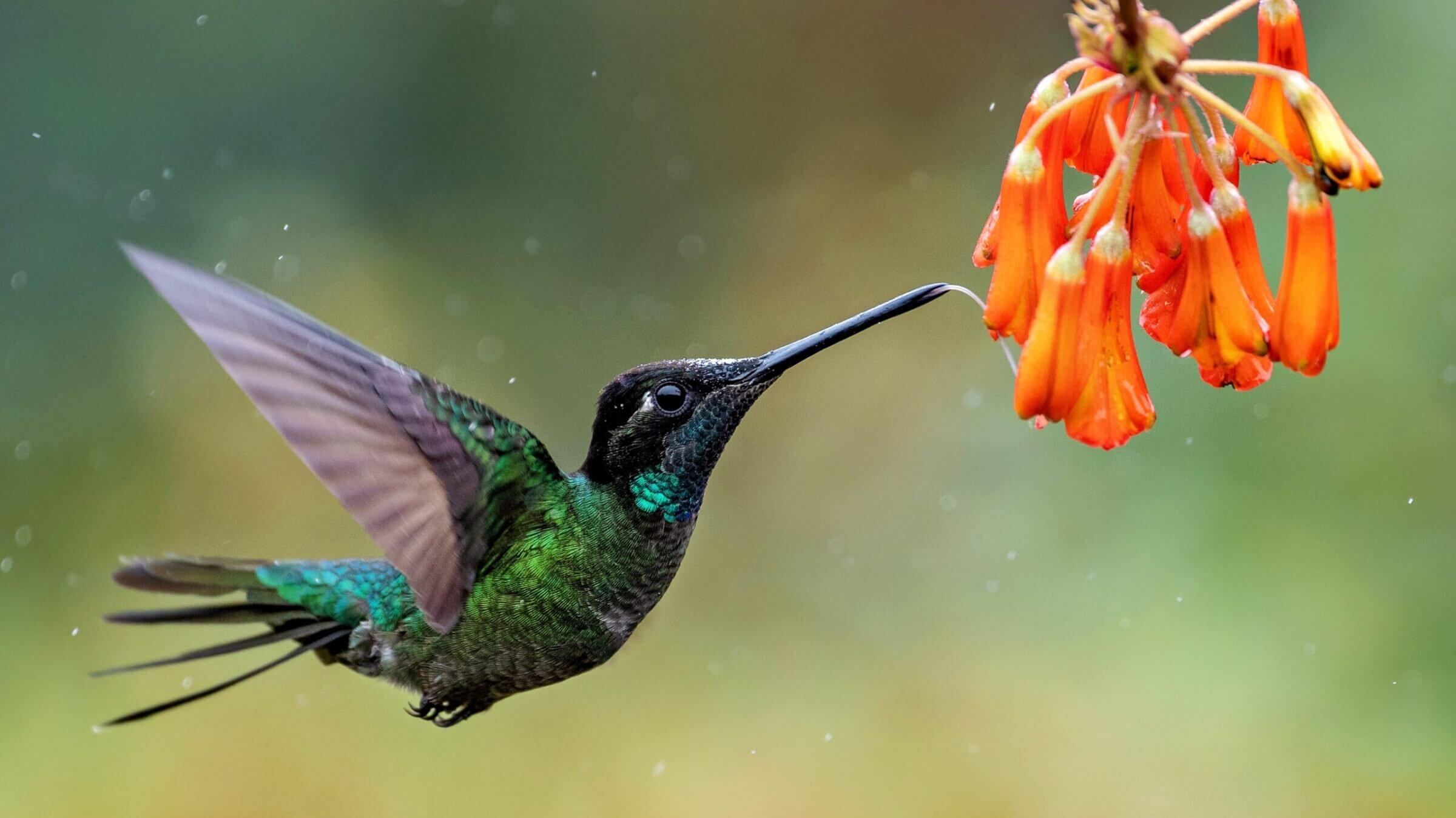
For birds, from hummingbirds to birds of prey.
About the Birds Workflow$89
One-time purchase · 2 machines
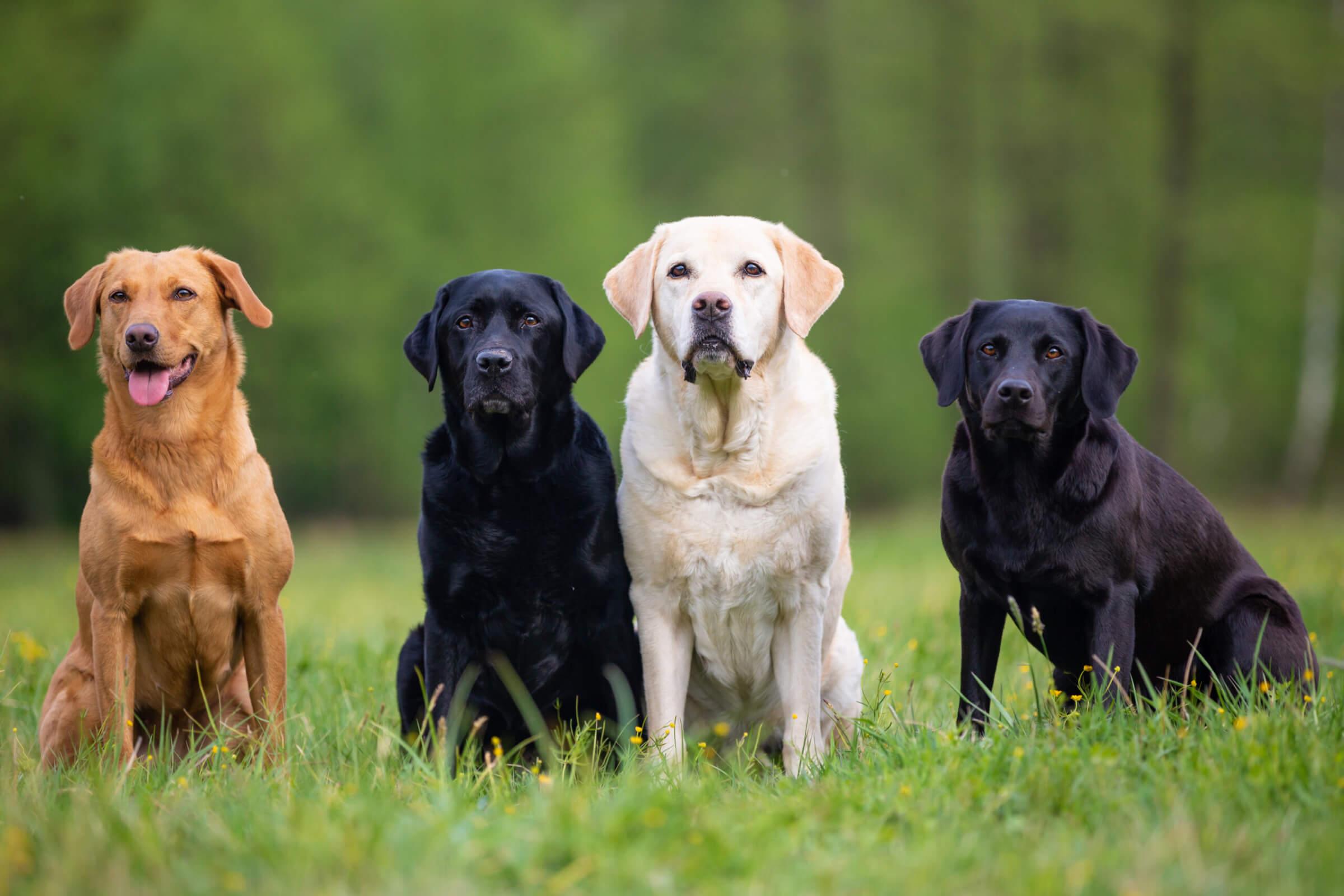

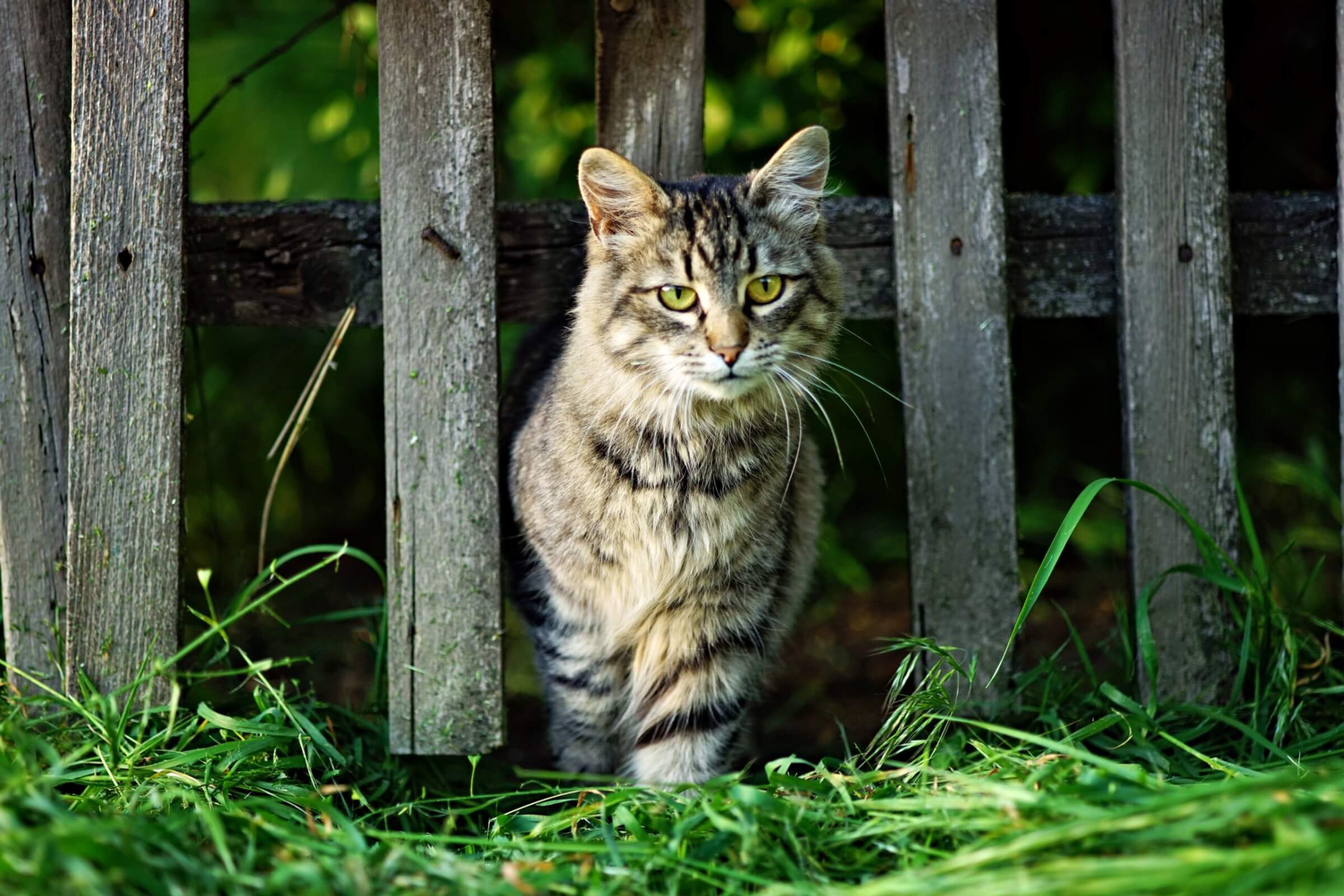
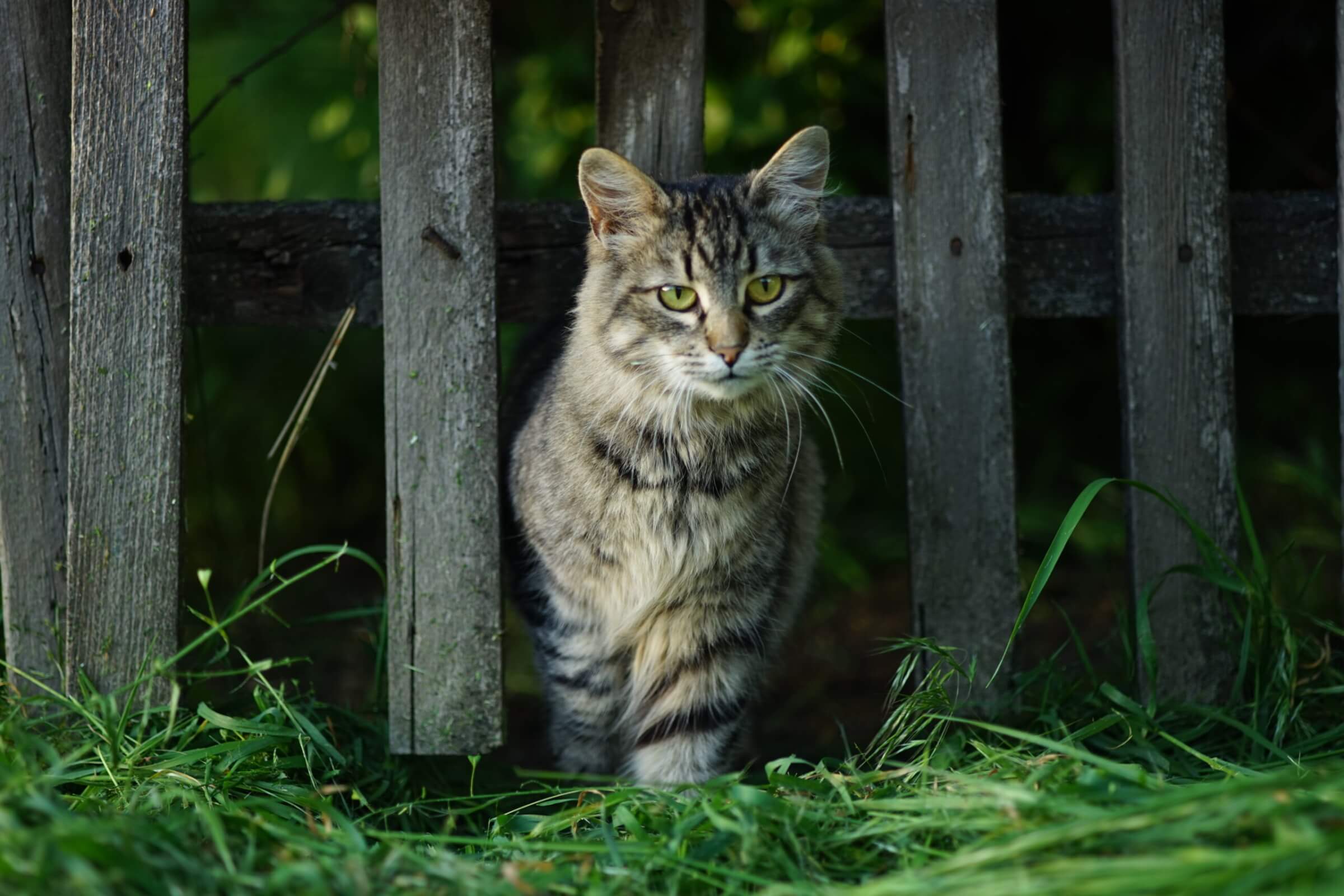
For dogs, cats, horses and every companion.
About the Pets Workflow$89
One-time purchase · 2 machines
Portraiture, Landscapes, Birds and Pets in one purchase.
About the bundleAll four, one by one $356
$329
One-time purchase · 2 machines
FastSpring, our authorized reseller, handles payment, tax and your invoice. License agreement · Terms

Assistive AI isn’t about replacing your creativity but enhancing it. We didn’t set out to create tools that do the work for you. We built Radiant Photo 2 to help you do your best work faster and with less frustration. This isn’t about shortcuts. It’s about respecting the art of photography while giving you the tools to make your vision a reality.
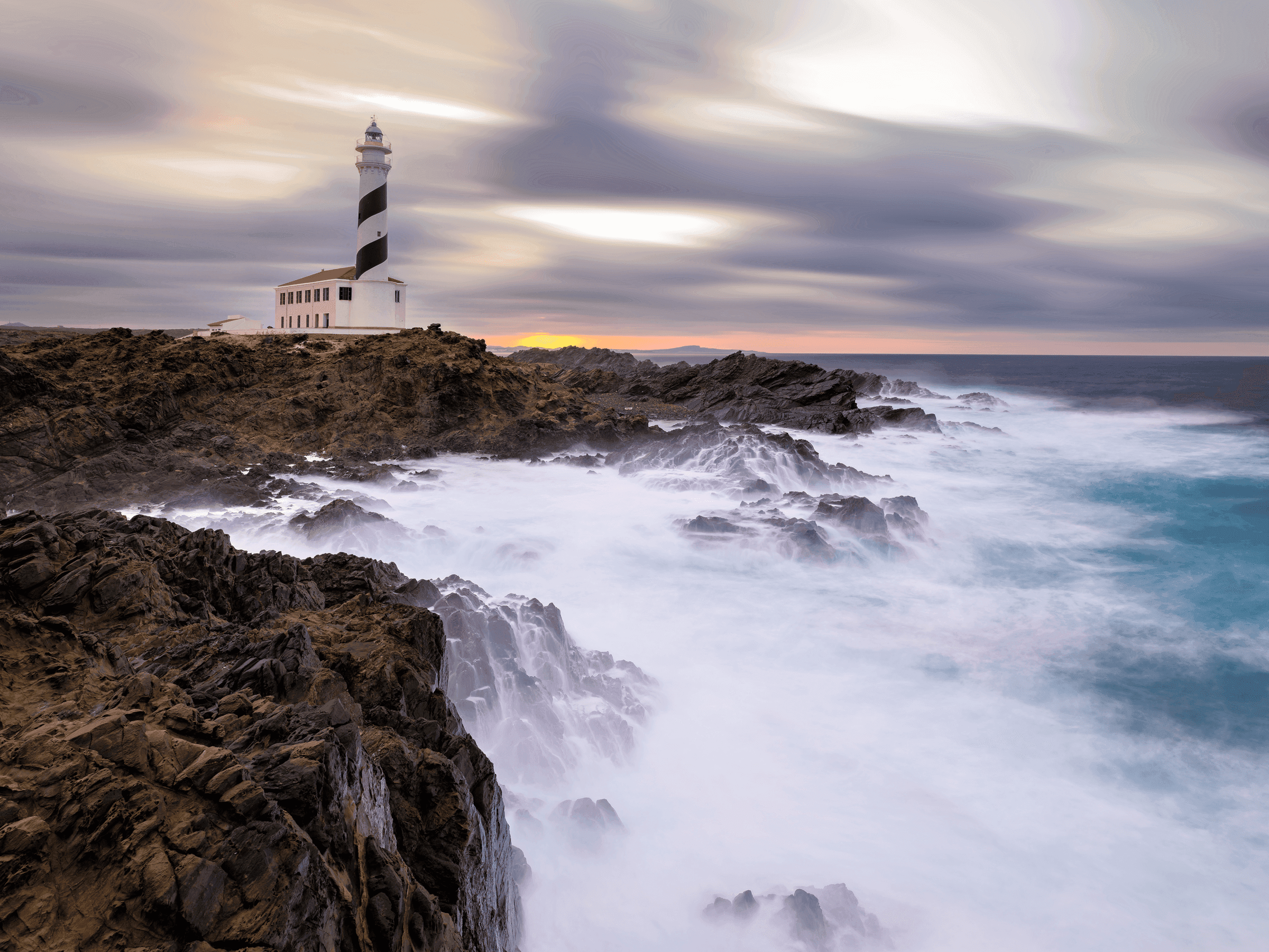
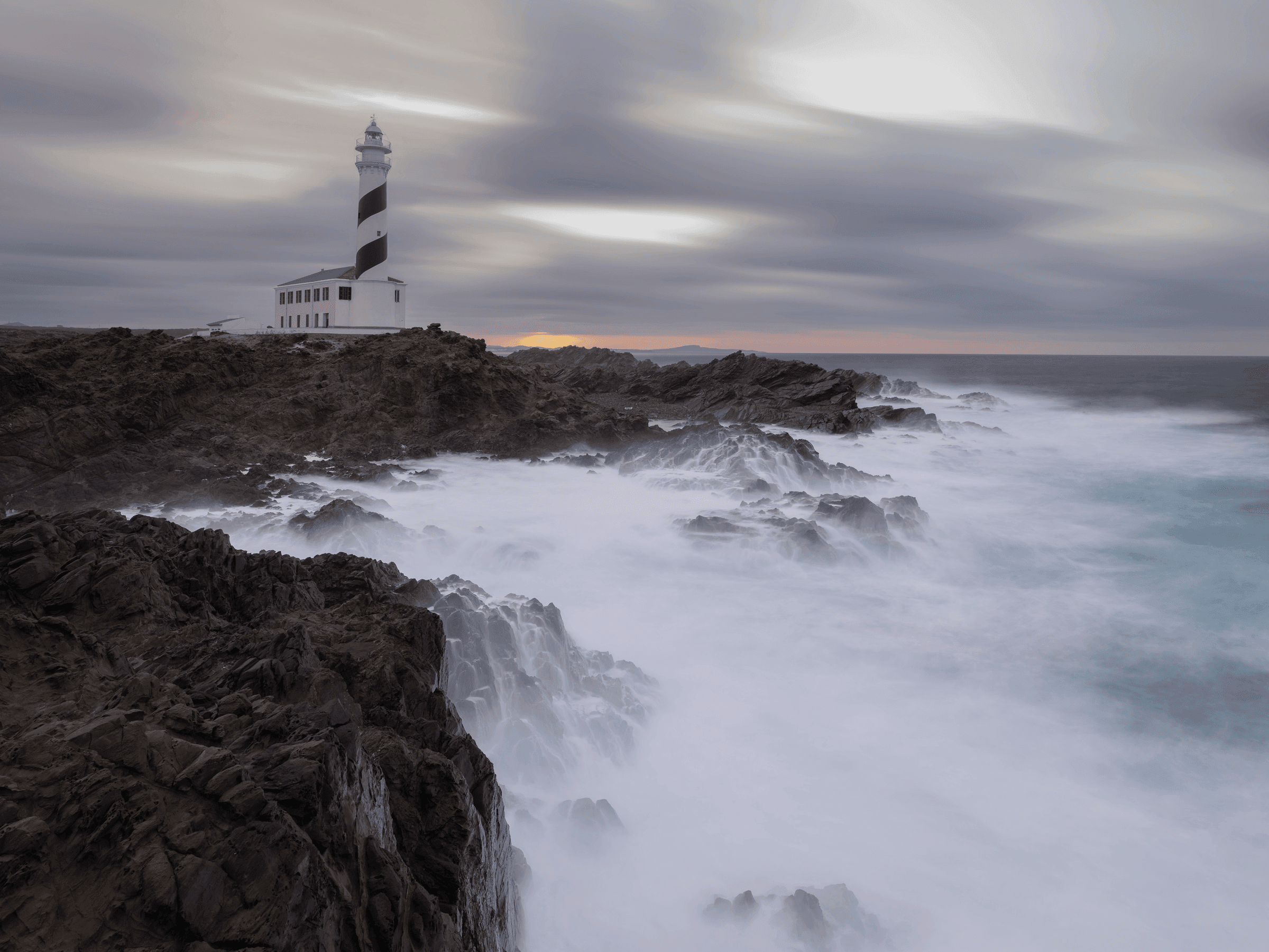
Before and after
Drag across each photo to compare it as shot with the Workflow’s edit.
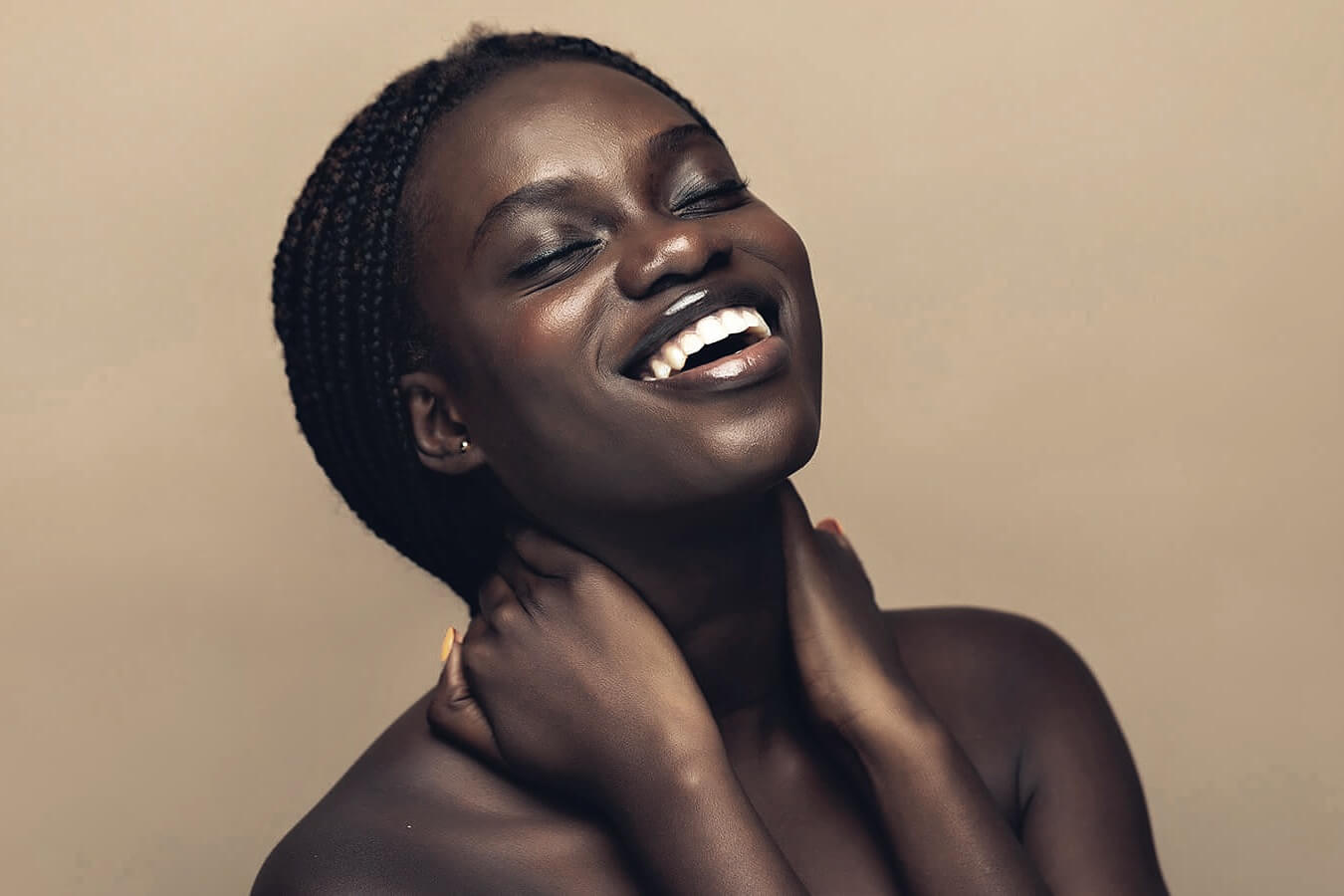

 Portraiture Workflow
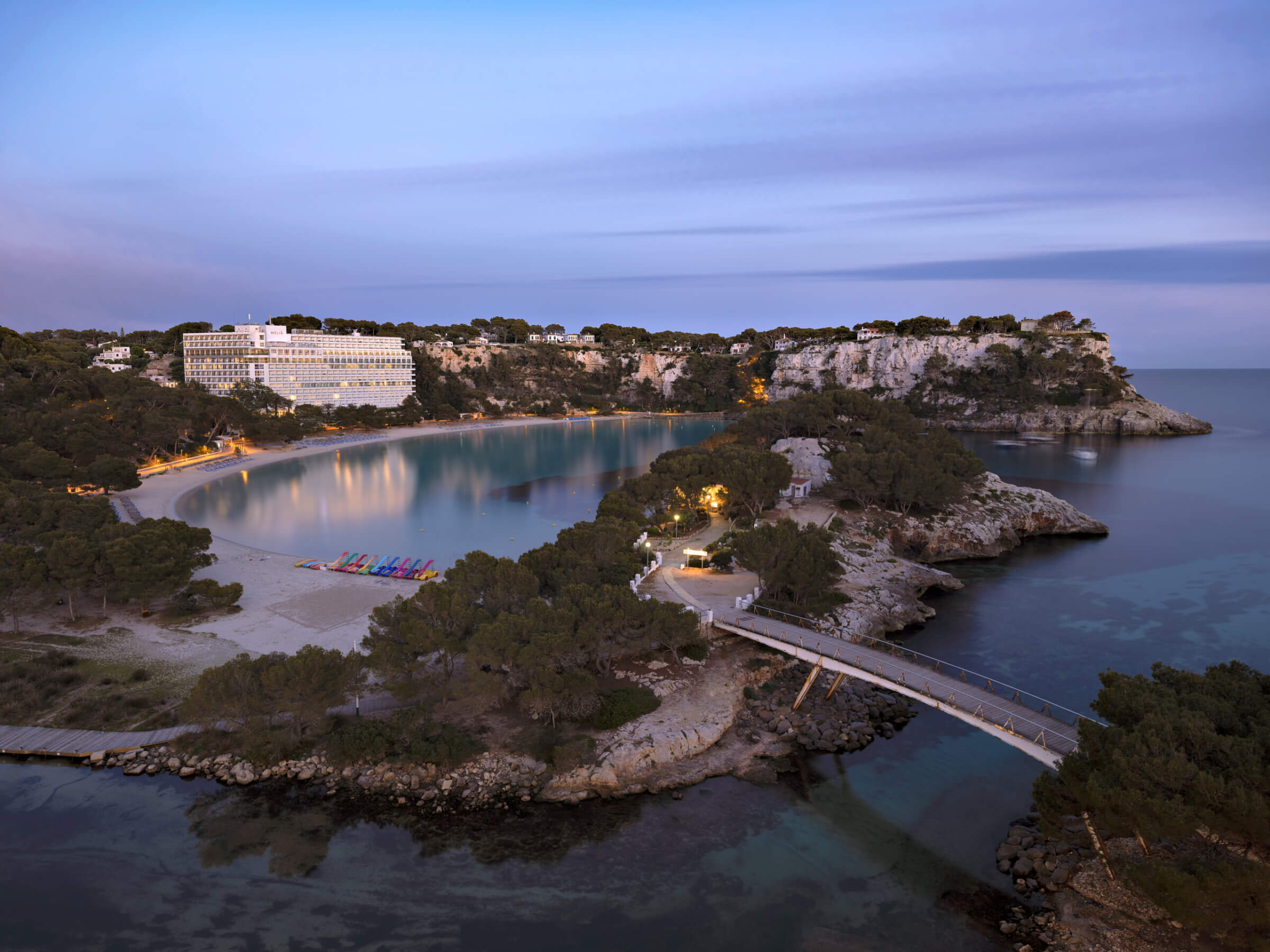
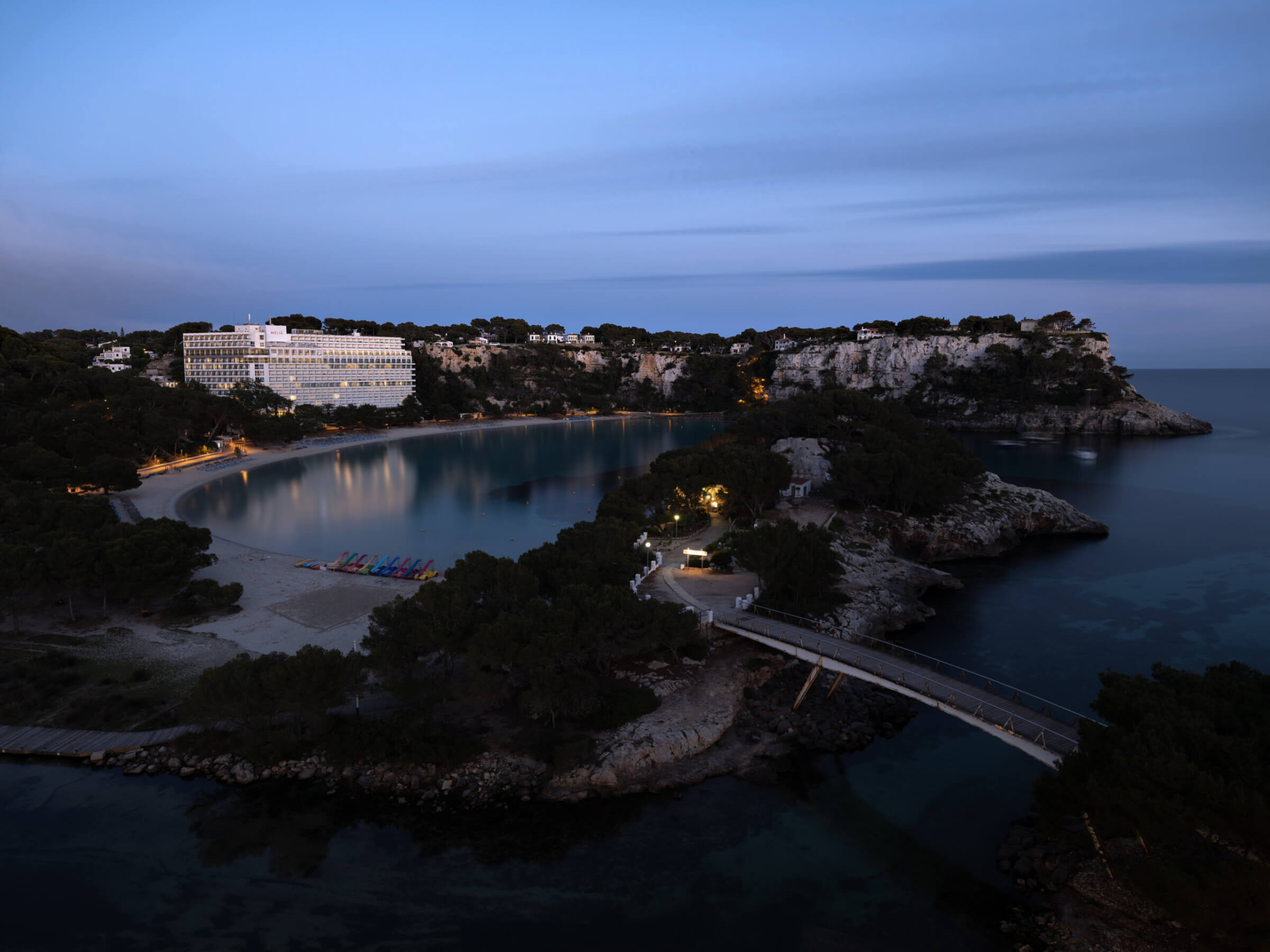
 Landscapes Workflow


 Birds Workflow
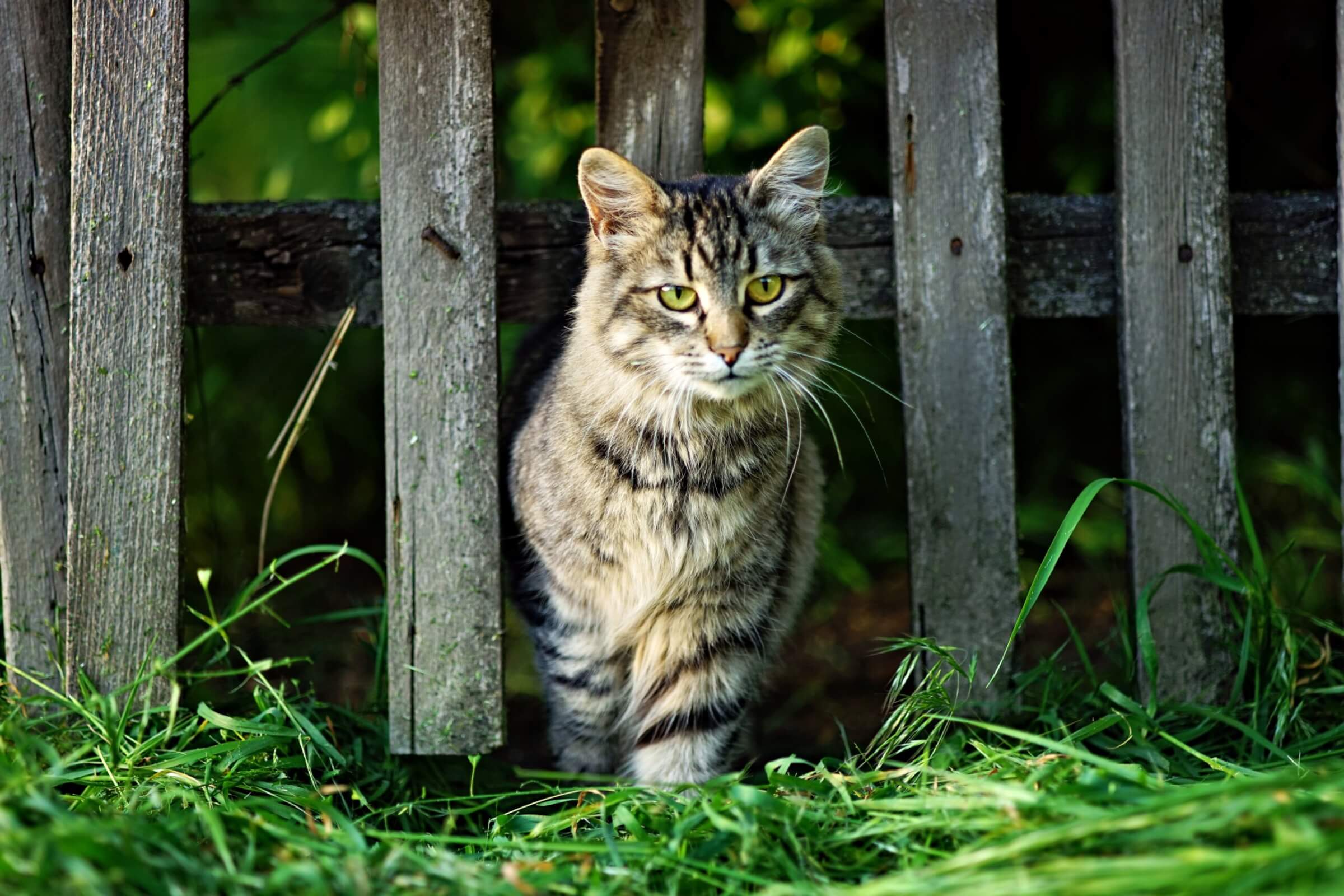
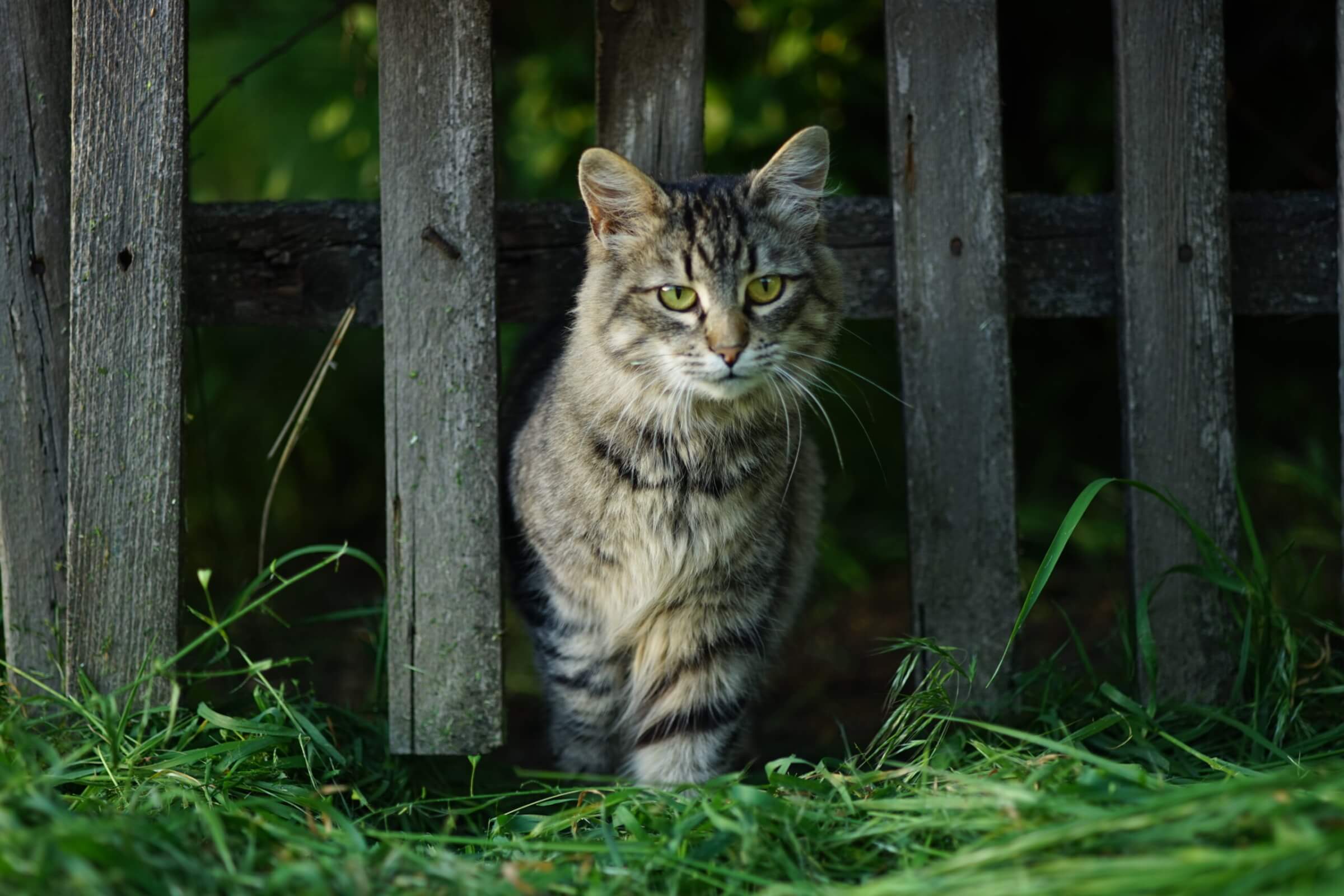
 Pets Workflow
How it works
Only one Workflow is active at a time, and you can switch without restarting Radiant Photo.
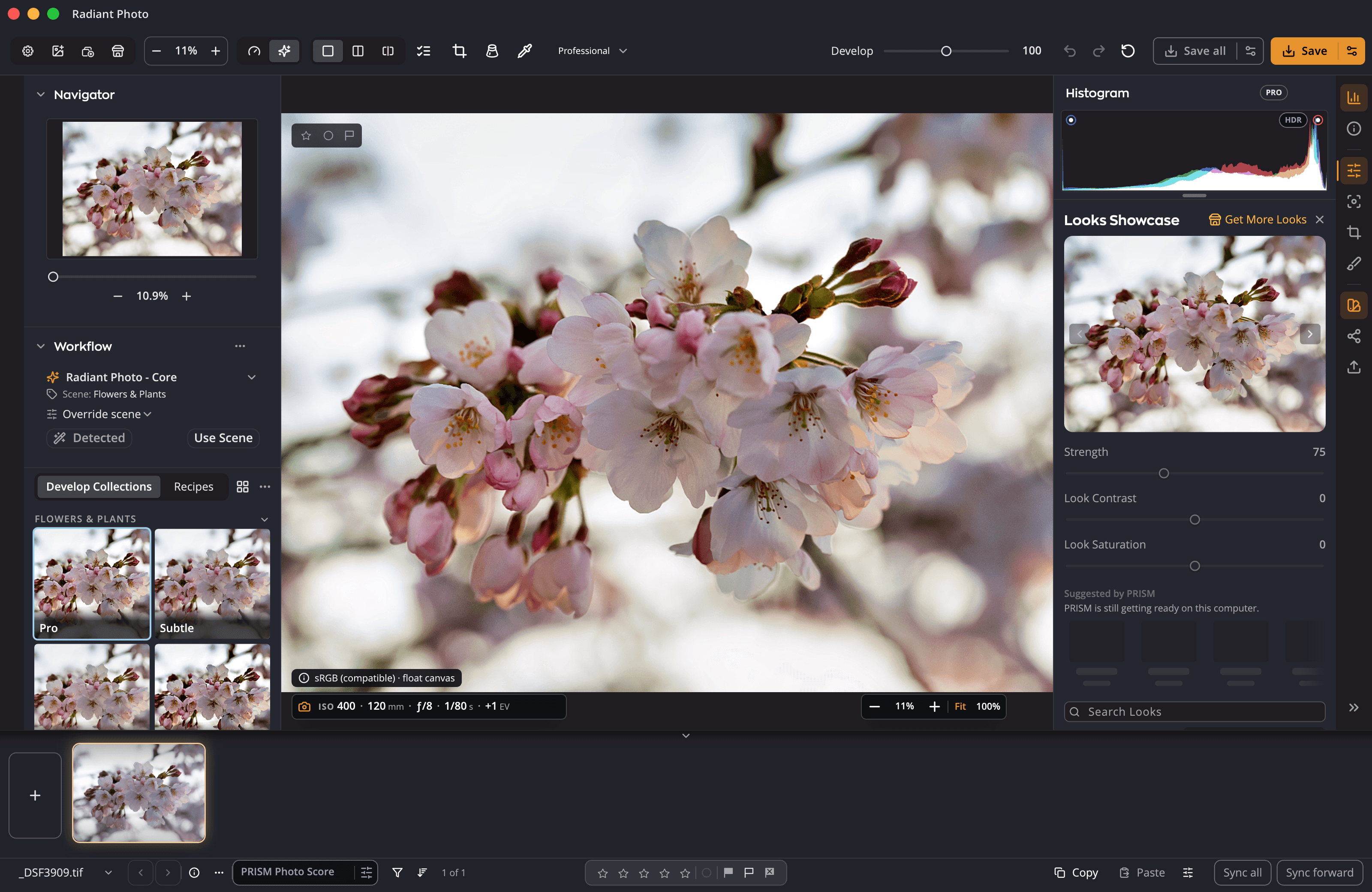
The active Workflow looks at the photo, picks the closest scene and applies that scene’s recipe.
Override scene gives the photo a different scene. Detect puts back the scene the Workflow picked.
Prefer another recipe for a scene? Make it the default, and every new photo of that scene starts there.
Choose another Workflow in the Workflow section of the left panel. Reanalyze photos applies it to the photos you have open.
What you need
| macOS | Windows | |
|---|---|---|
| Computer | A Mac with Apple silicon or Intel | A 64-bit PC |
| Operating system | macOS 14 or later | Windows 10 or 11 |
| Radiant Photo | Works in Radiant Photo 2.5 | |
| Purchase | One-time, from the Marketplace, the same store as in the app | |
* Being confirmed before launch.
Full system requirementsYes. A Workflow adds to Radiant Photo and doesn’t run on its own. Radiant Photo - Core comes with Radiant Photo; the four Workflows here are sold separately.
You can own all four. One is active at a time, and you can switch whenever the shoot changes.
Always. Every setting stays adjustable, you can choose a different scene for any photo, and your originals are never changed.
No. Each Workflow, and the bundle, is a one-time purchase, with a 30-day money-back guarantee from the date of purchase.
Or take all four, and let Radiant Photo know every kind of photo you bring it.