Skin color, face by face
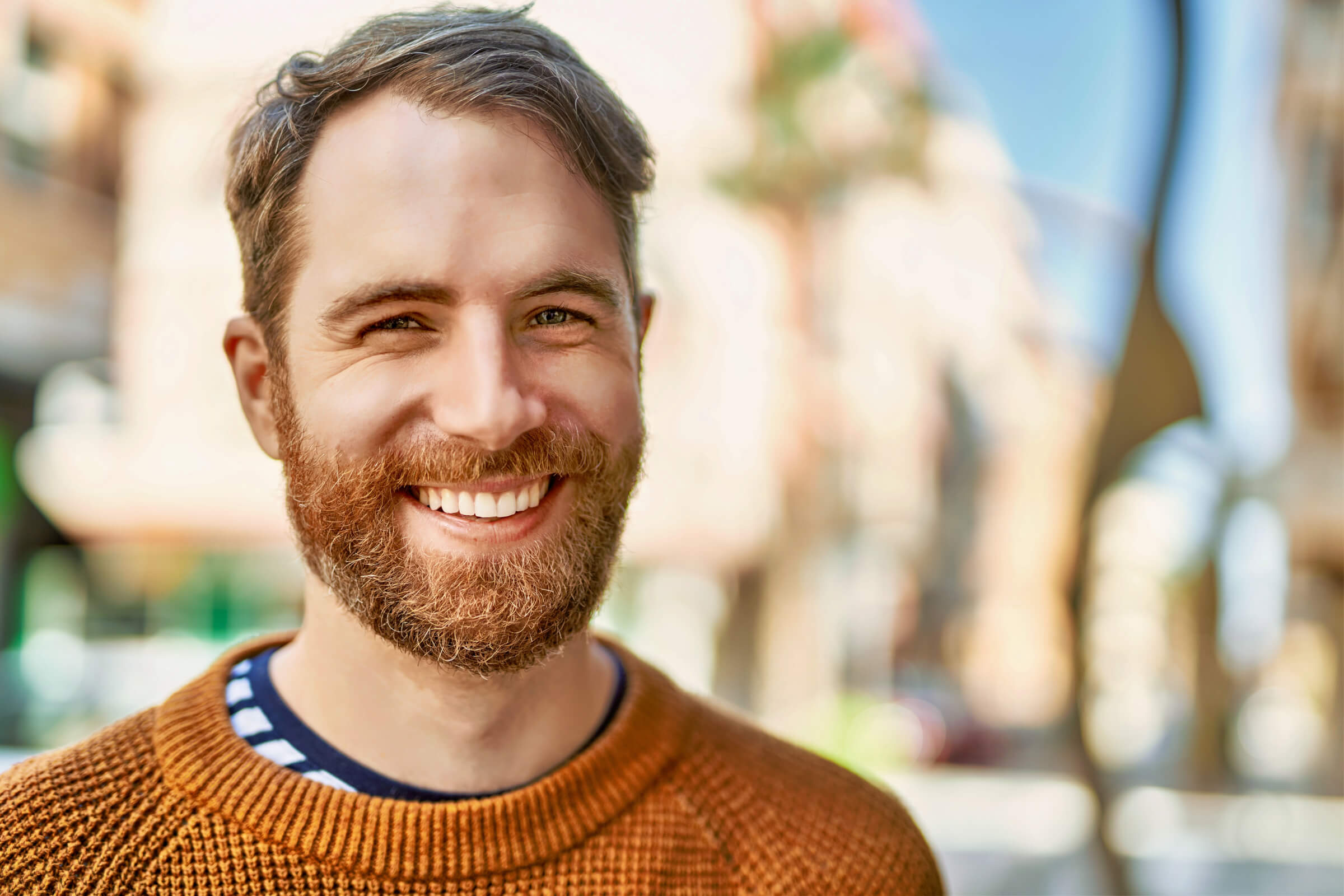
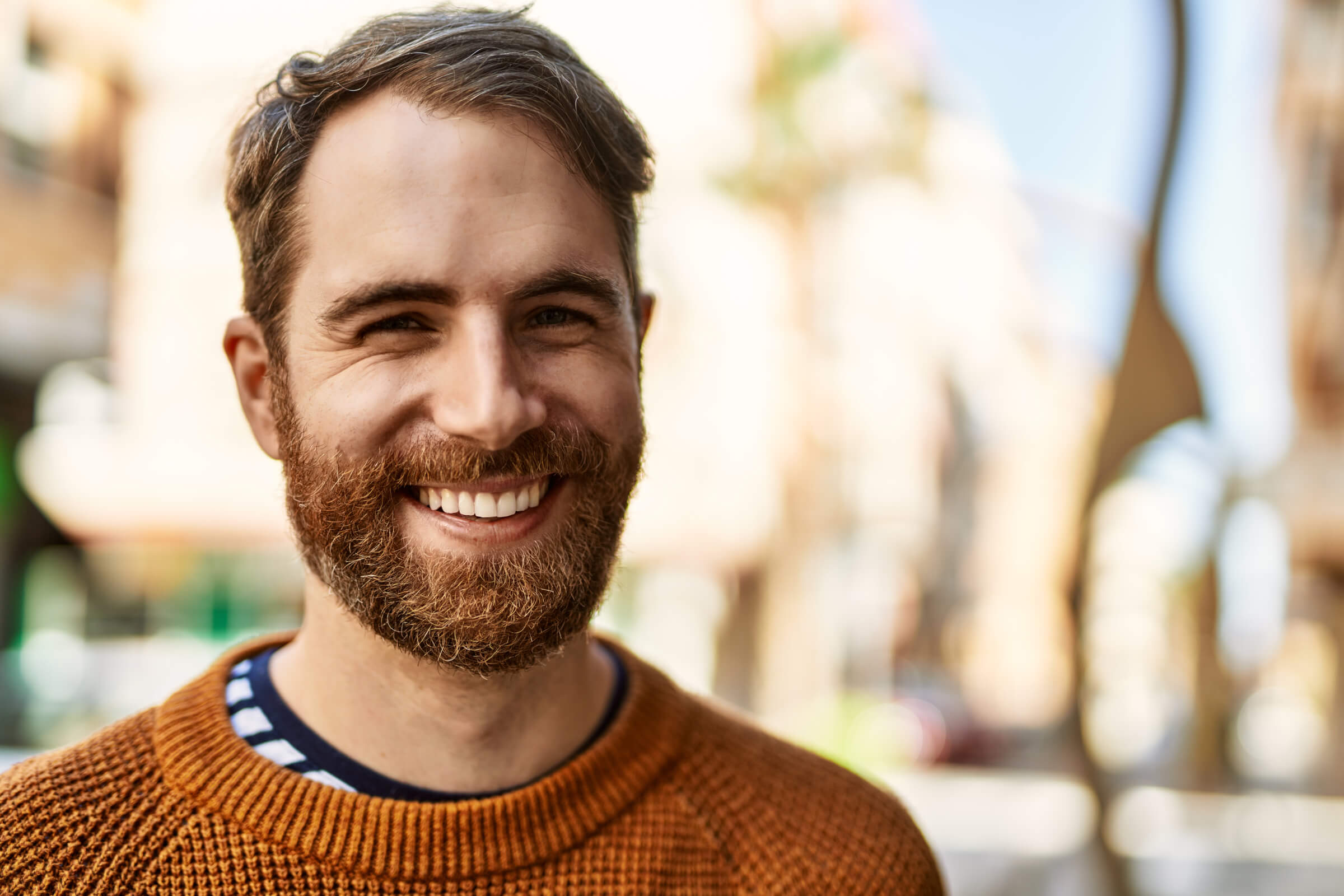
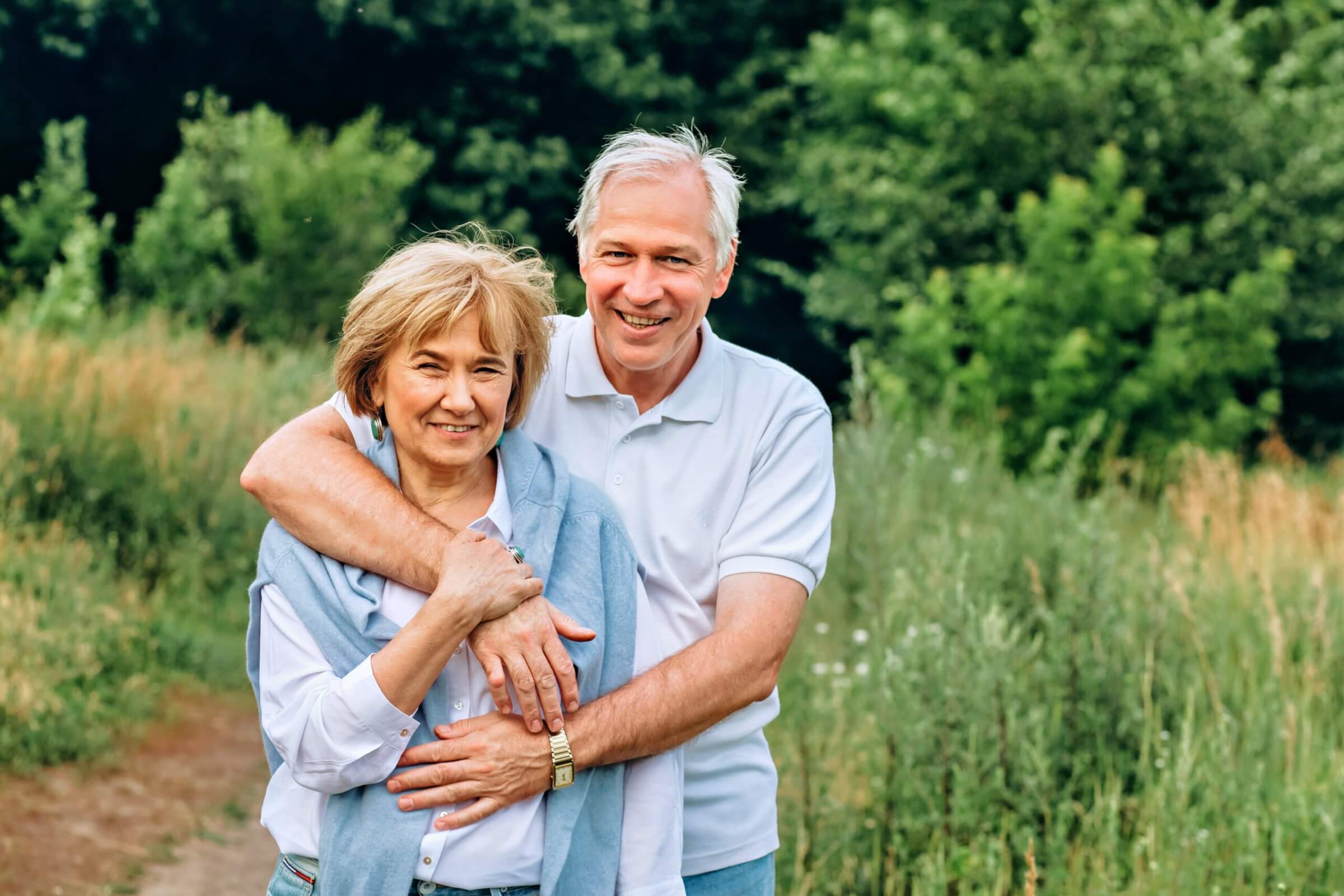
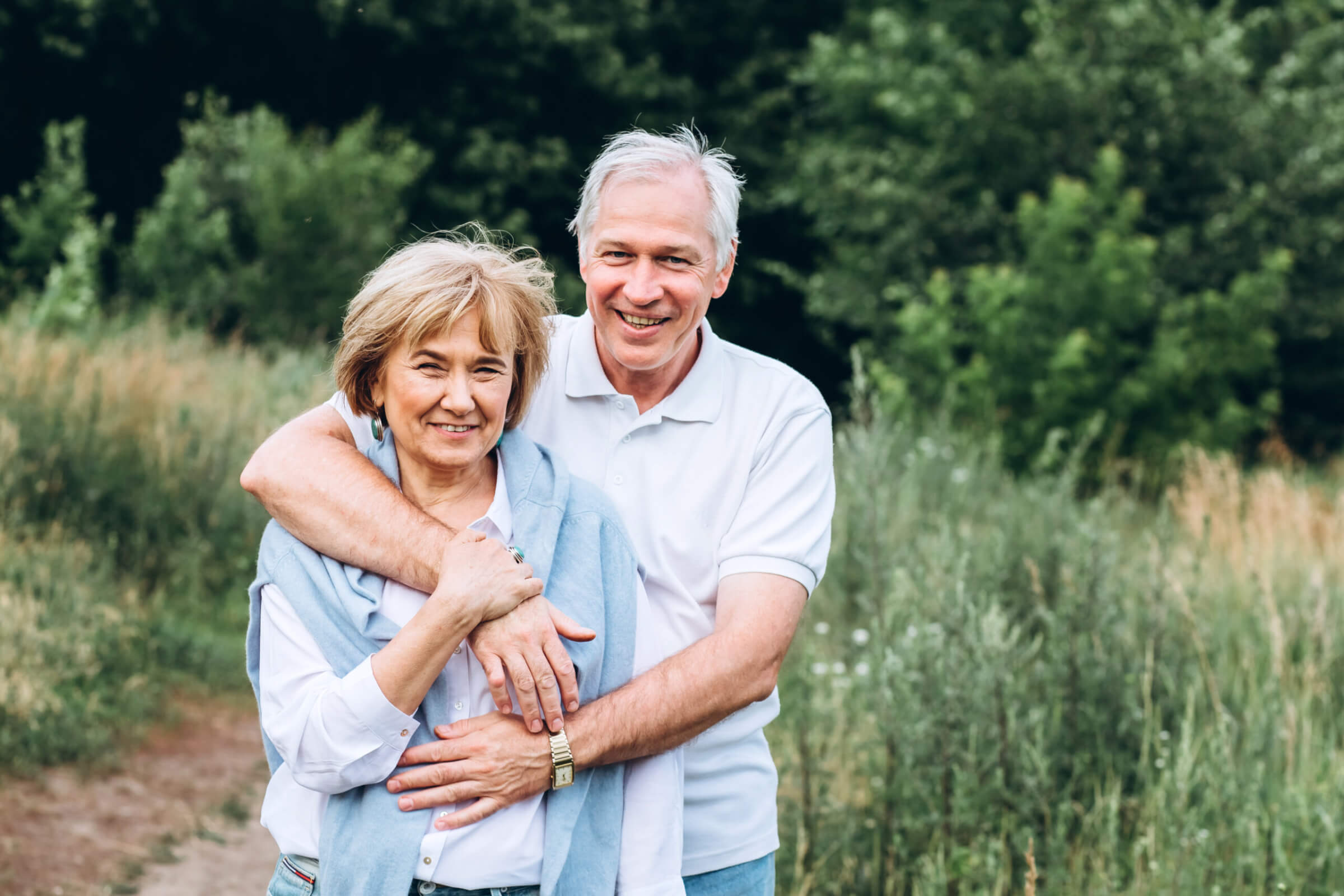
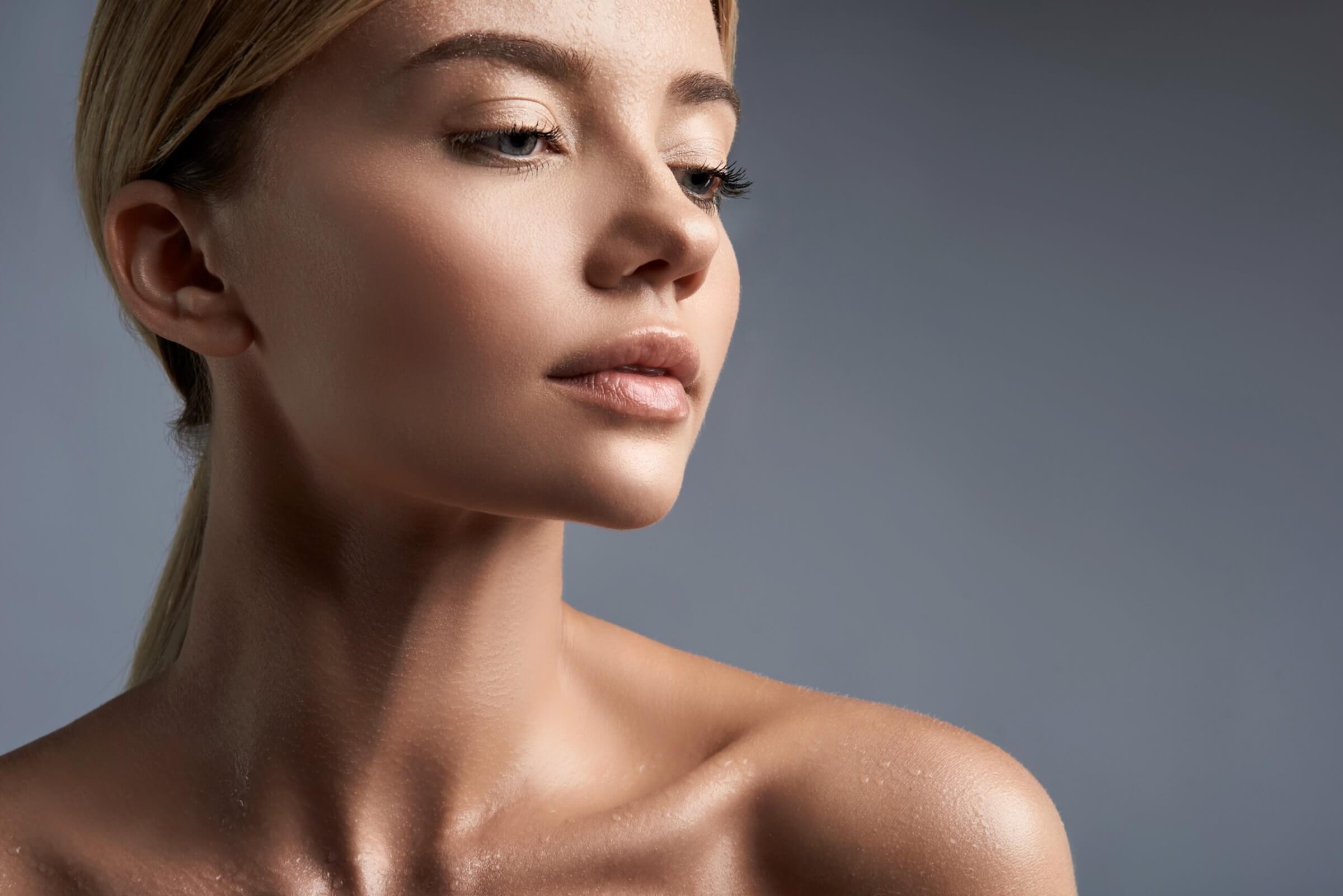
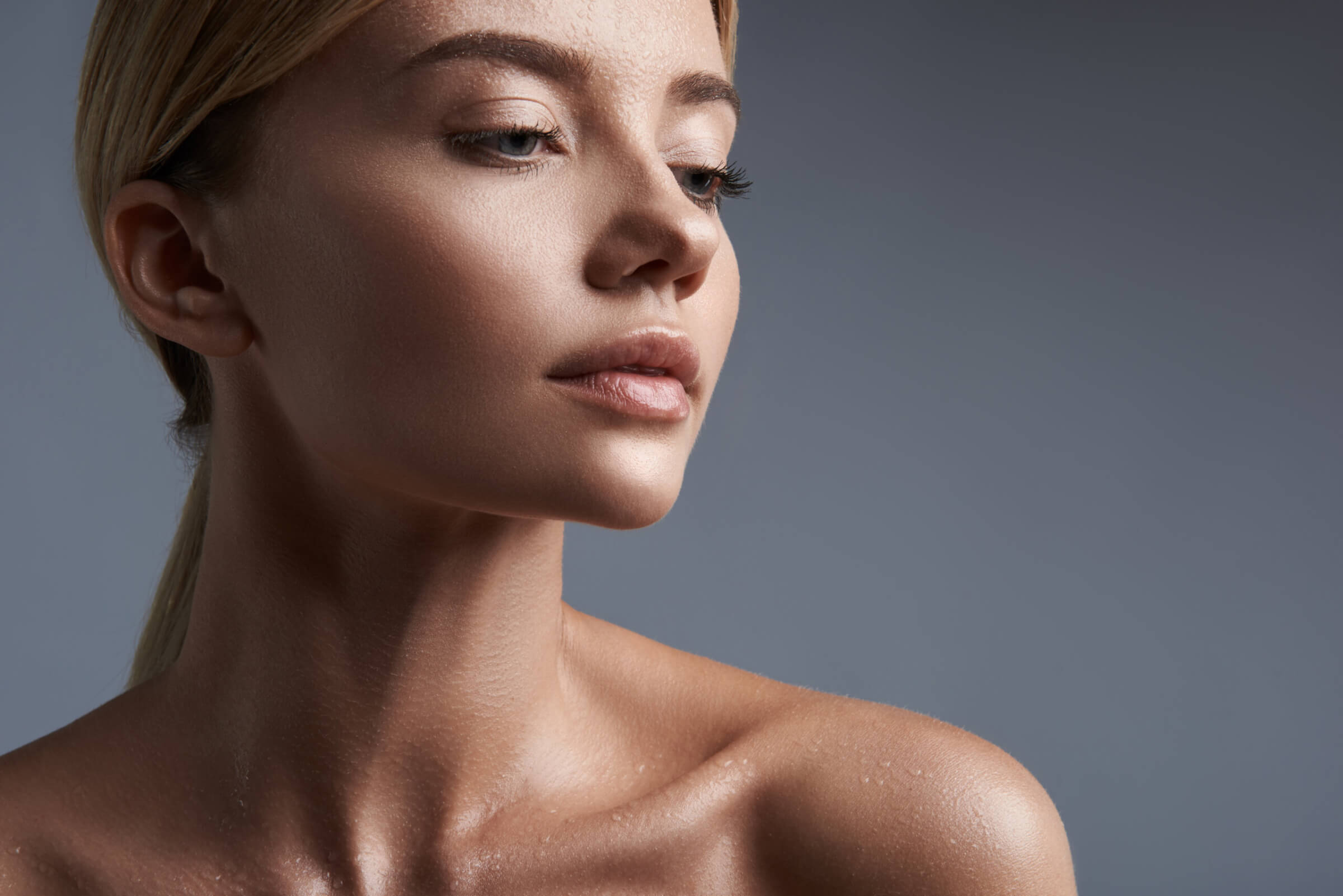
Skin tones balanced against the background, without correcting each face on its own.

Workflow for Radiant Photo
The Portraiture Workflow knows the scenes portrait photographers work in, from a studio backdrop to open shade and a group on the steps. Skin tones and color come out right at the first click, and the retouching tools you know are ready for the rest.
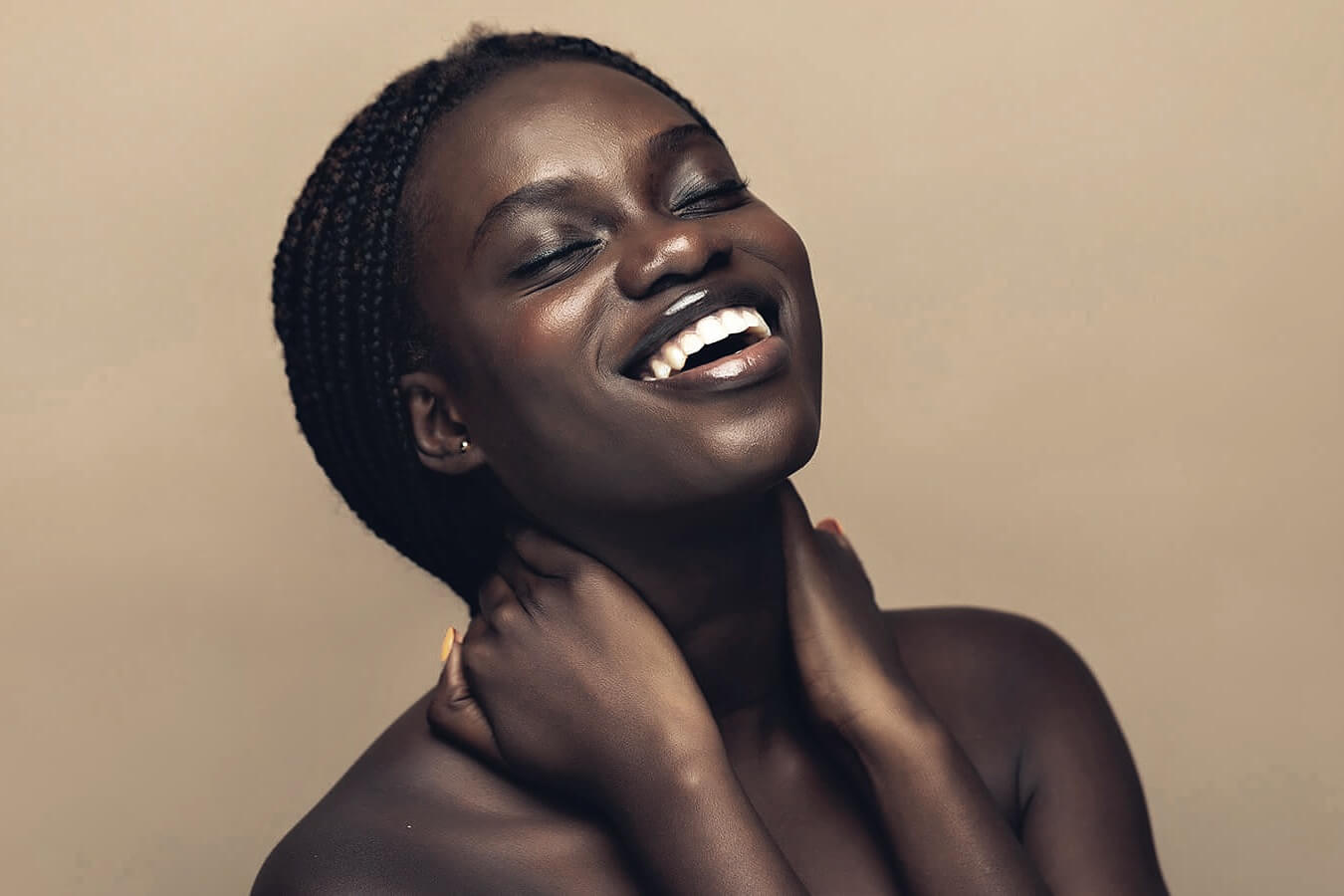

Skin tones balanced against the background, without correcting each face on its own.
A green cast from foliage or a warm one from a wall is corrected with the rest of the scene.
Each frame gets the scene it was shot in, so a session that moved from window light to the garden still reads as one.
Drag across each photo to compare.
A one-time purchase, with a 30-day money-back guarantee.
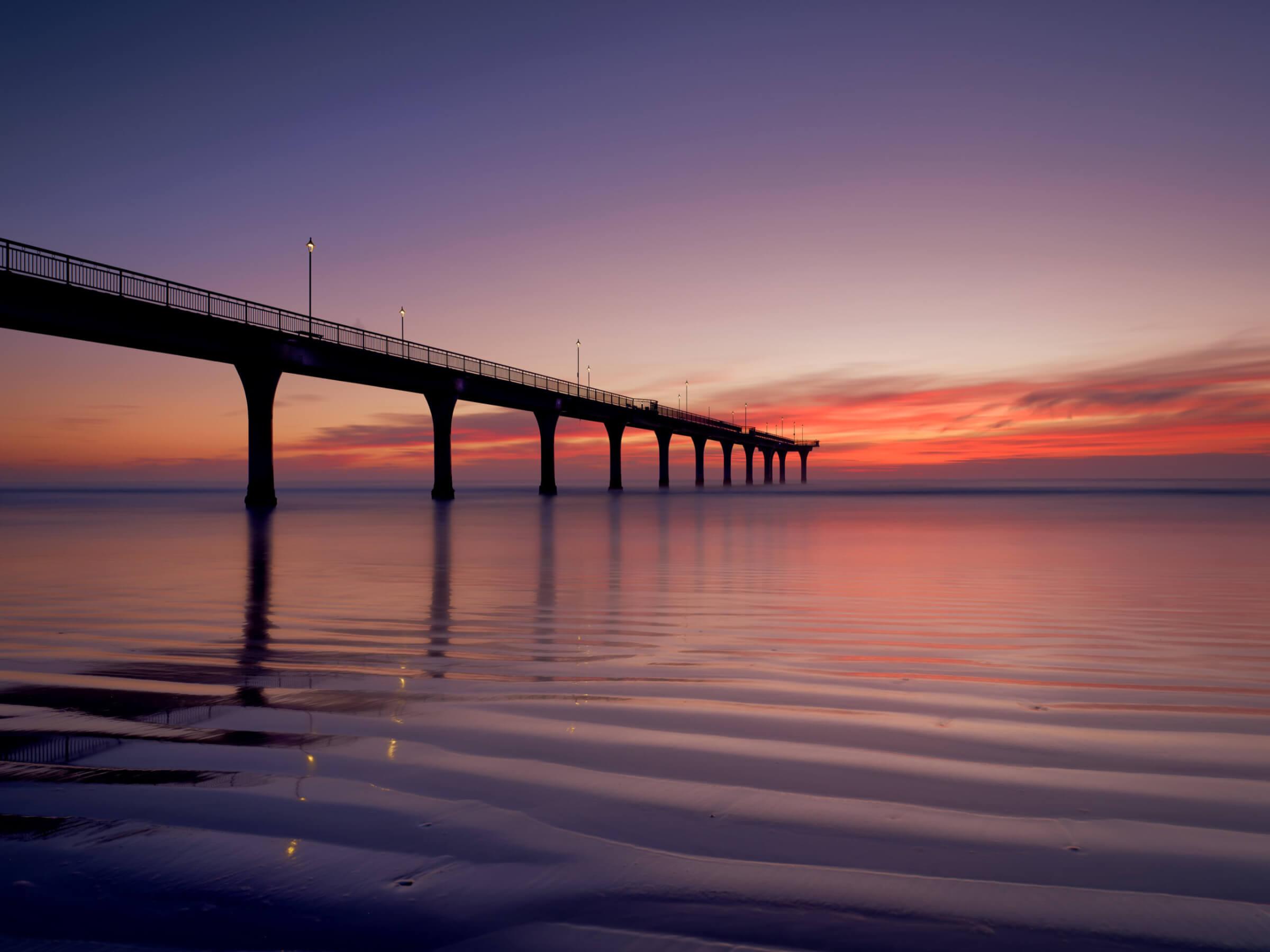
For people: in the studio, outdoors and in groups.
$89
One-time purchase · 2 machines
Portraiture, Landscapes, Birds and Pets in one purchase.
About the bundleAll four, one by one $356
$329
One-time purchase · 2 machines
FastSpring, our authorized reseller, handles payment, tax and your invoice. License agreement · Terms
What you need
| macOS | Windows | |
|---|---|---|
| Computer | A Mac with Apple silicon or Intel | A 64-bit PC |
| Operating system | macOS 14 or later | Windows 10 or 11 |
| Radiant Photo | Works in Radiant Photo 2.5 | |
| Purchase | One-time, from the Marketplace, the same store as in the app | |
* Being confirmed before launch.
Full system requirementsOr take all four, and let Radiant Photo know every kind of photo you bring it.