
 Radiant Photo
The 2.5 editor on your layer
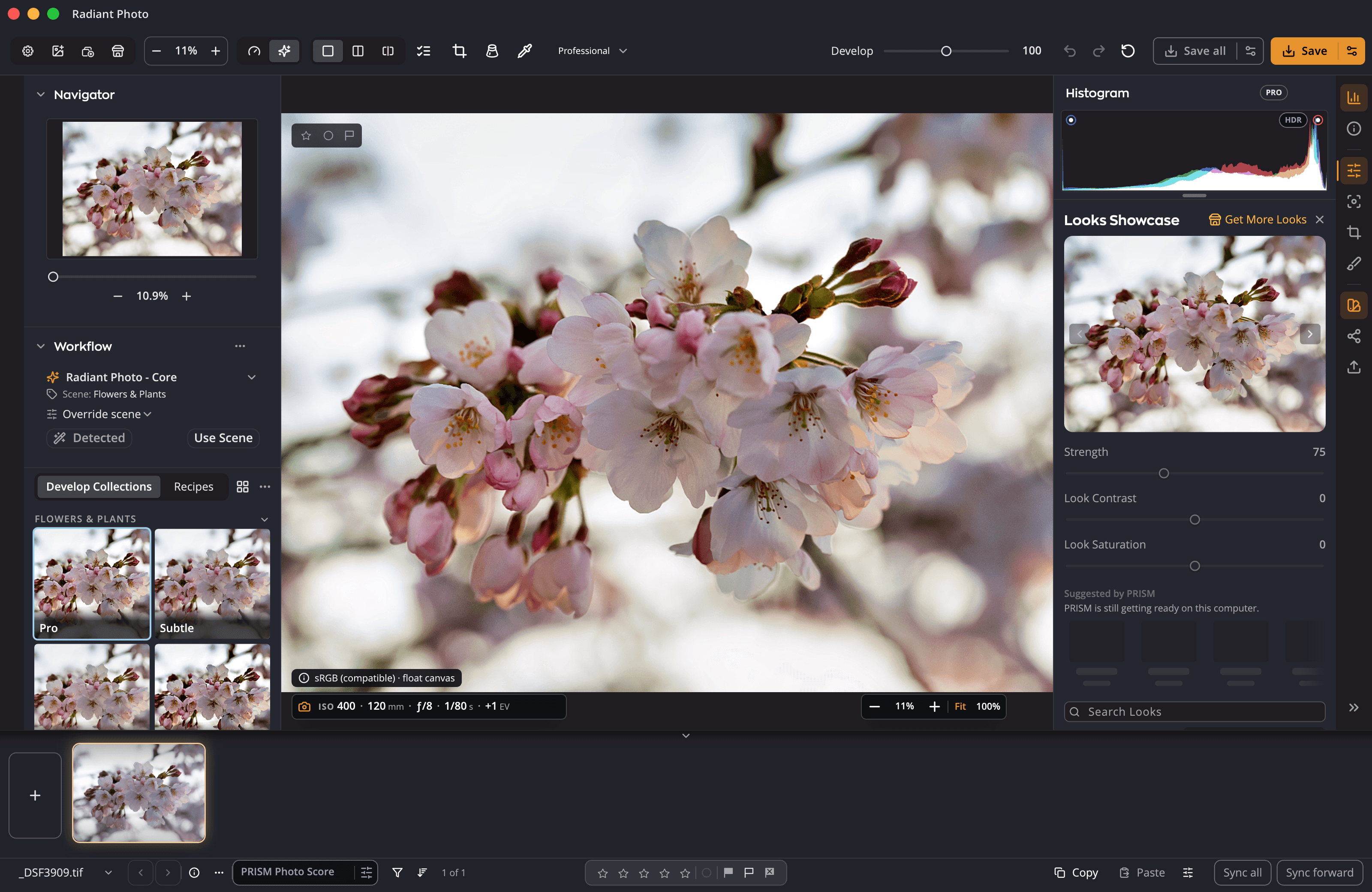
Every Radiant Photo 2.5 correction, Look and portrait tool, including per-face edits. Opened from Photoshop, the editor adds a Done and Cancel bar and keeps crop and the other geometry tools closed.
Plug-in · Photoshop
Choose Filter › Radiant Imaging Labs and your layer opens in the Radiant Photo 2.5 editor, with every correction, Look and portrait tool. Click Done and the result comes back into the layer, or as a Smart Filter you can reopen where you left off.
What it does today
Every Radiant Photo 2.5 correction, Look and portrait tool, including per-face edits. Opened from Photoshop, the editor adds a Done and Cancel bar and keeps crop and the other geometry tools closed.
Double-click a Radiant Smart Filter and it reopens with your Workflow, Look and sliders.
Radiant reads the whole photo and changes only what you selected.
The layer is read in its own color profile, so exposure and color match Radiant Photo on Adobe RGB and ProPhoto documents.
The plug-in never crops, rotates or resizes your document, by design.
Actions recorded with Radiant Photo 2 still replay, and the menu name stays the same so they find the filter.
The Radiant panel
Radiant Photo also installs a panel in Photoshop: choose Plugins › Radiant Imaging Labs. The panel needs Photoshop 2022 (23.3) or later.
Pick a Workflow, a recipe and a Look in the panel, set their strength, and apply them to the active layer as one step.
Edit as linked layer opens the layer in Radiant Photo and leaves Photoshop free. Save and Return places the result as a linked Smart Object, and the same command reopens it with your edits.
A ready-made Radiant action set, and while an action records, every panel step is recorded with its picks, so Batch runs the same again.
Score the document, or every open document, without changing a pixel. It needs Radiant Flow on the same computer and Photoshop 2023 (24.4) or later.
One workflow
The plug-in installs with Radiant Photo. Try it free, then open a layer from Photoshop.


