

Corner signature
Your copyright line in a corner, in white or near-black, whichever reads better on each photo, with a soft shadow.
Watermarks · all three apps
One Watermarks window, shared by Radiant Flow, Radiant Raw and Radiant Photo on your computer. Design a text or logo watermark, place it on the photos it will actually stamp, and check that it reads on every one of them before anything is written.
In Radiant Flow
 Radiant Raw
 Radiant Photo
Try it here
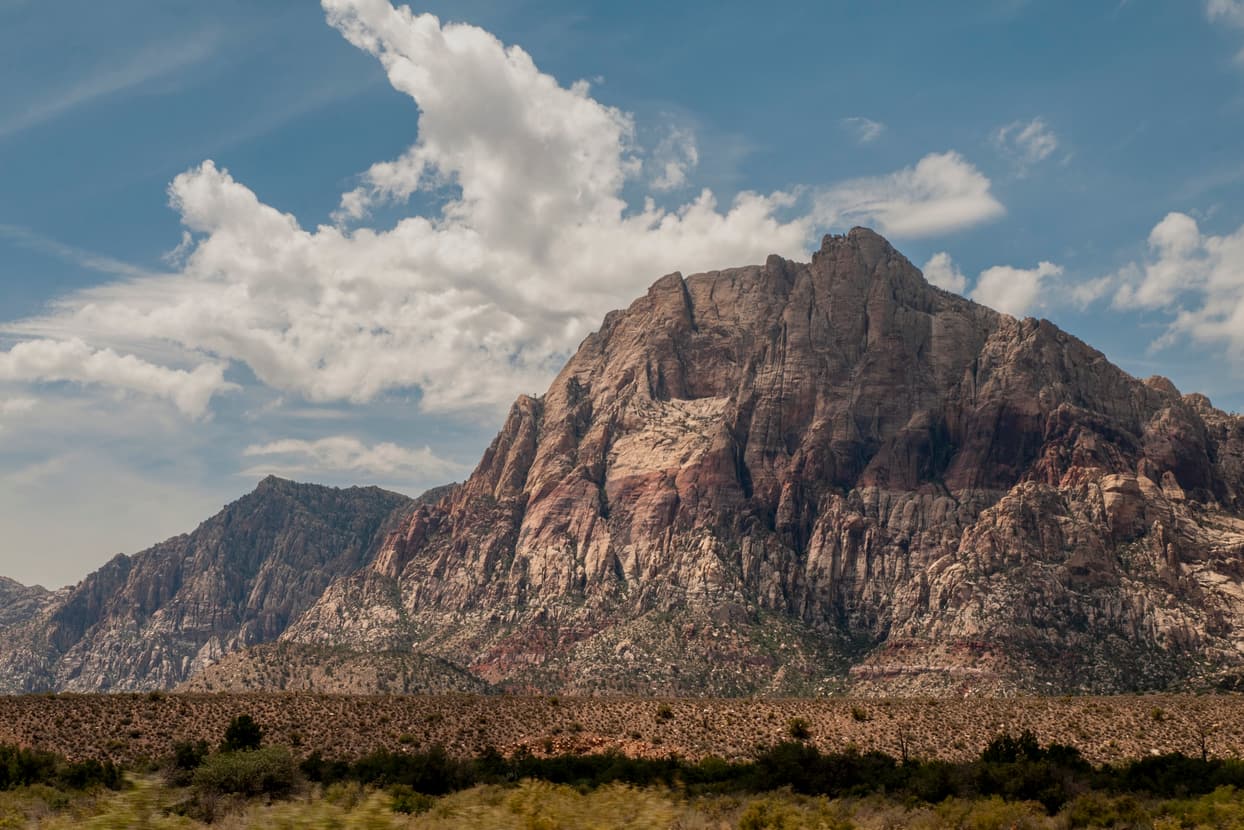
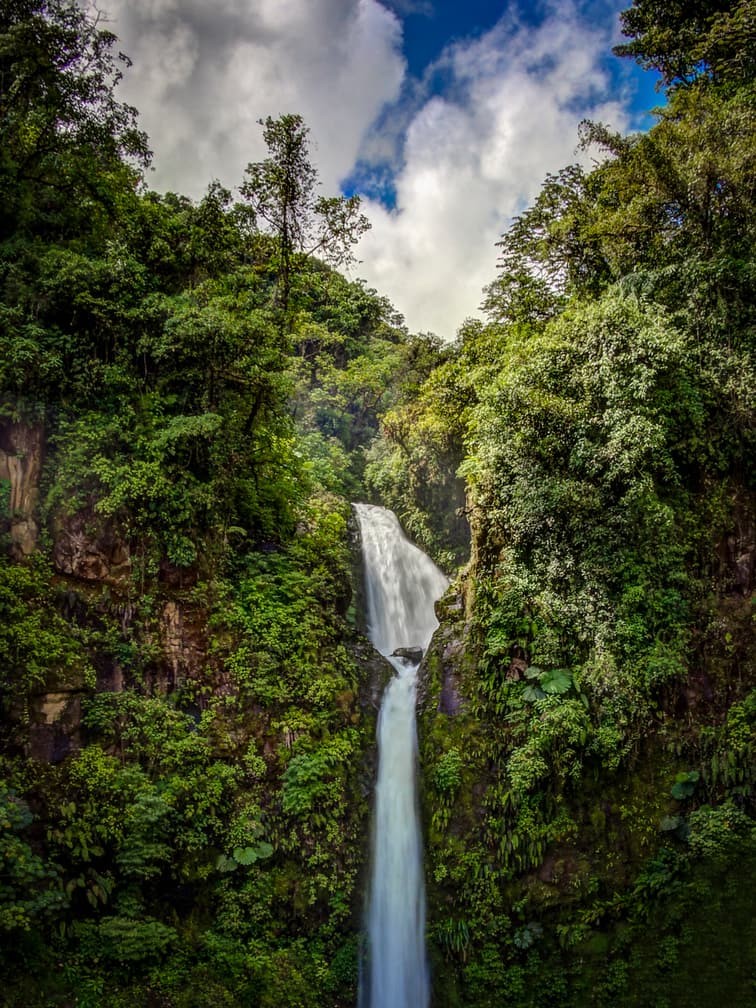
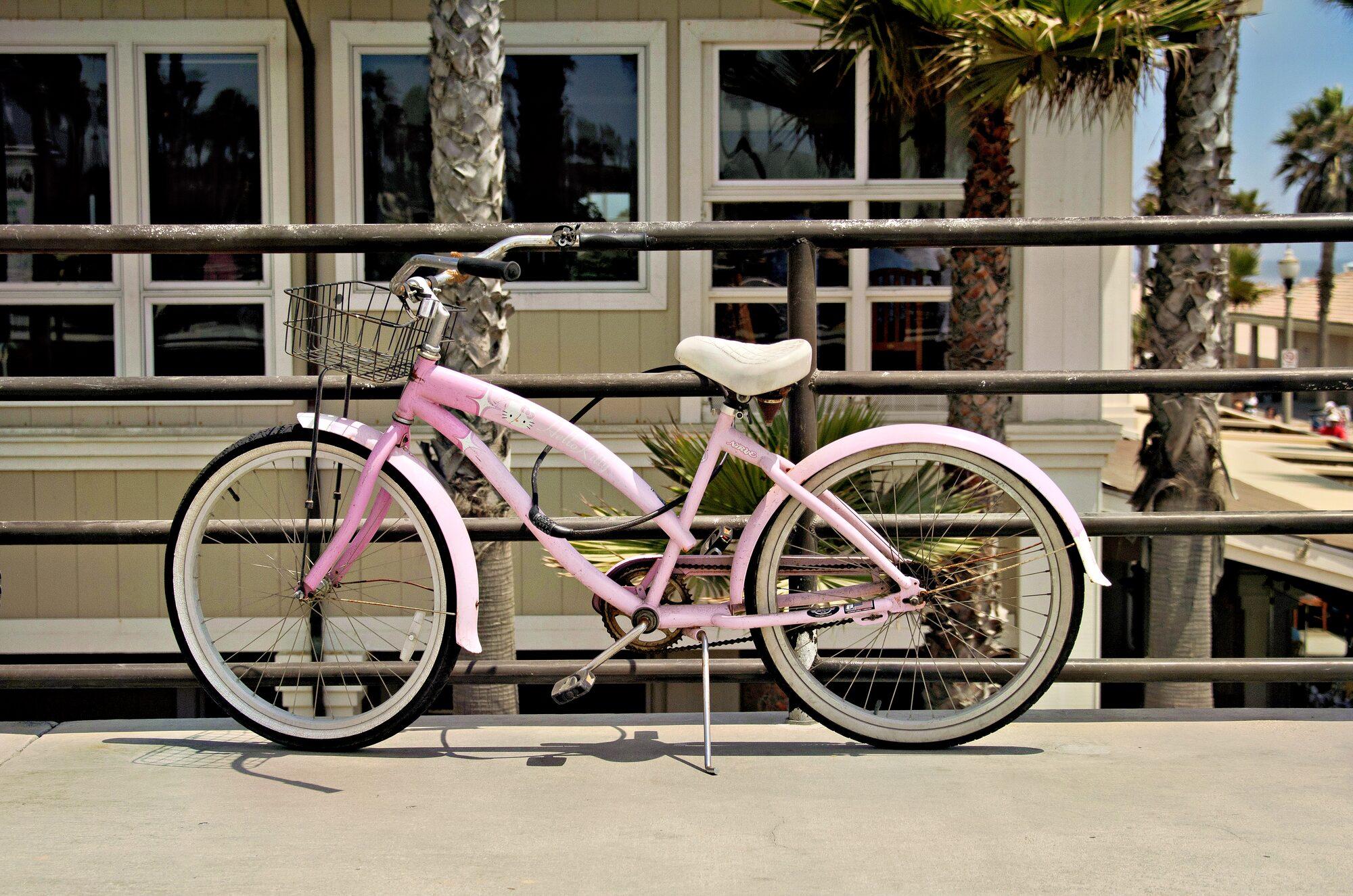
Type your own text, then move it, resize it and fade it. The line under Legibility checks the mark against all three photos. When it is hard to read on one, Show takes you to it.
Anchor
Pattern
Color
Legibility
A demo on this page with three photos. The check follows the same rule as the Watermarks window: the contrast between the mark and the part of each photo under it.
The Watermarks window
Open it from the File menu in any of the three apps, or with Edit… on an output’s Watermark row. Drag the mark where you want it, and it snaps to the third of the frame you drop it in.
Every output
Every output with a dialog has the same Watermark row: a picker, a thumbnail of the first photo with the mark at that output’s size, and Edit…. Outputs without a dialog pick their watermark on their own row of Radiant Photo’s Share panel.
Templates
Locked, in the list under the line. Use one as it is, or change anything while it is selected and Radiant makes your own copy.
Your copyright line in a corner, in white or near-black, whichever reads better on each photo, with a soft shadow.
PROOF repeated across the whole photo, for previews you send before the final files.
Your logo large and faint at the center, screened into the photo.
Logo and credit on a soft background box along the bottom edge.
A handwritten signature in the bottom right corner, in white or near-black, whichever reads better on each photo.
When something is off
The window checks each photo as you work and says plainly what is wrong, with a fix where there is one.
Questions
No. The library is shared by Radiant Flow, Radiant Raw and Radiant Photo on the same computer. Make a watermark in one and it is there in the other two.
No. It is stamped only on the copy an output writes: an export, a print, a contact sheet. Your original is never changed.
Yes. Placement is measured from the photo’s short edge, so the same mark sits the same way at any size or orientation.
Key benefits
Done keeps your work. Export writes the files.
Every photo, understood. Right on your computer.
Every photo, scored. Every line, yours.
Many frames. One cover.
It suggests. You decide.
Every recipe. One panel.
One press for a good framing. Every other one in view.
Frame it your way, with good framings to choose from.
Straighten the lines. See every way first.
Smooth the grain. Keep the edges.
Crisp detail, smooth backgrounds.
Straight lines, even corners, clean edges.
Read the light. Without looking away.
Brush over a spot. Radiant Photo picks the clean source.
Point at a Look. See it on your photo.
One workflow
The Watermarks window comes with Radiant Flow, Radiant Raw and Radiant Photo.


