


Point to preview
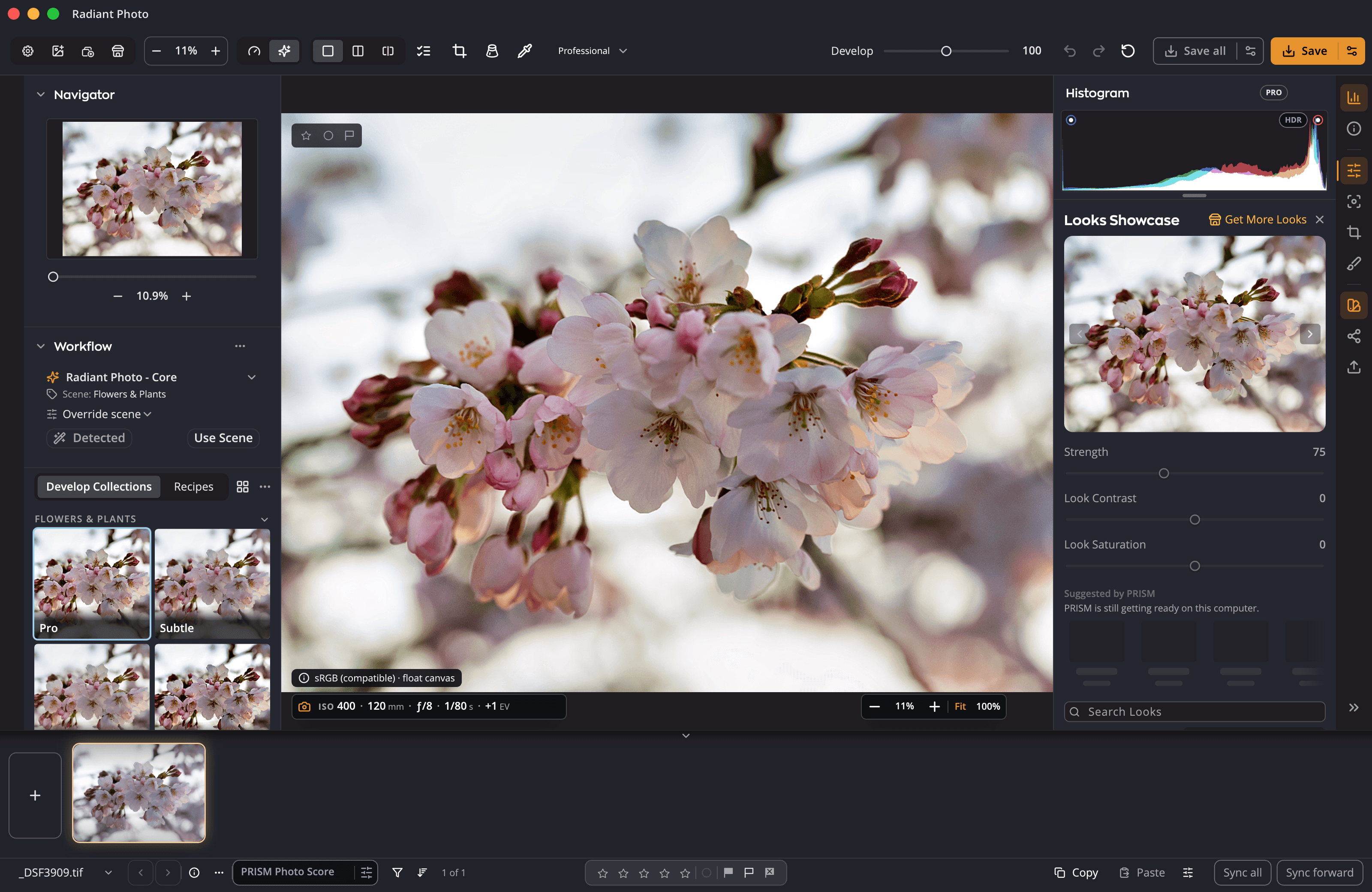
Point at a tile and the Look shows on your whole photo. Move away and nothing has changed. Only a click applies it, as one step you can undo.
Looks · Radiant Raw and Radiant Photo
A Look is a finished color style in one click: a film stock, a warm grade, a black-and-white print. Point at one in the Look Browser and it shows on your whole photo. Click to keep it, then set how strong it is.
Try it here
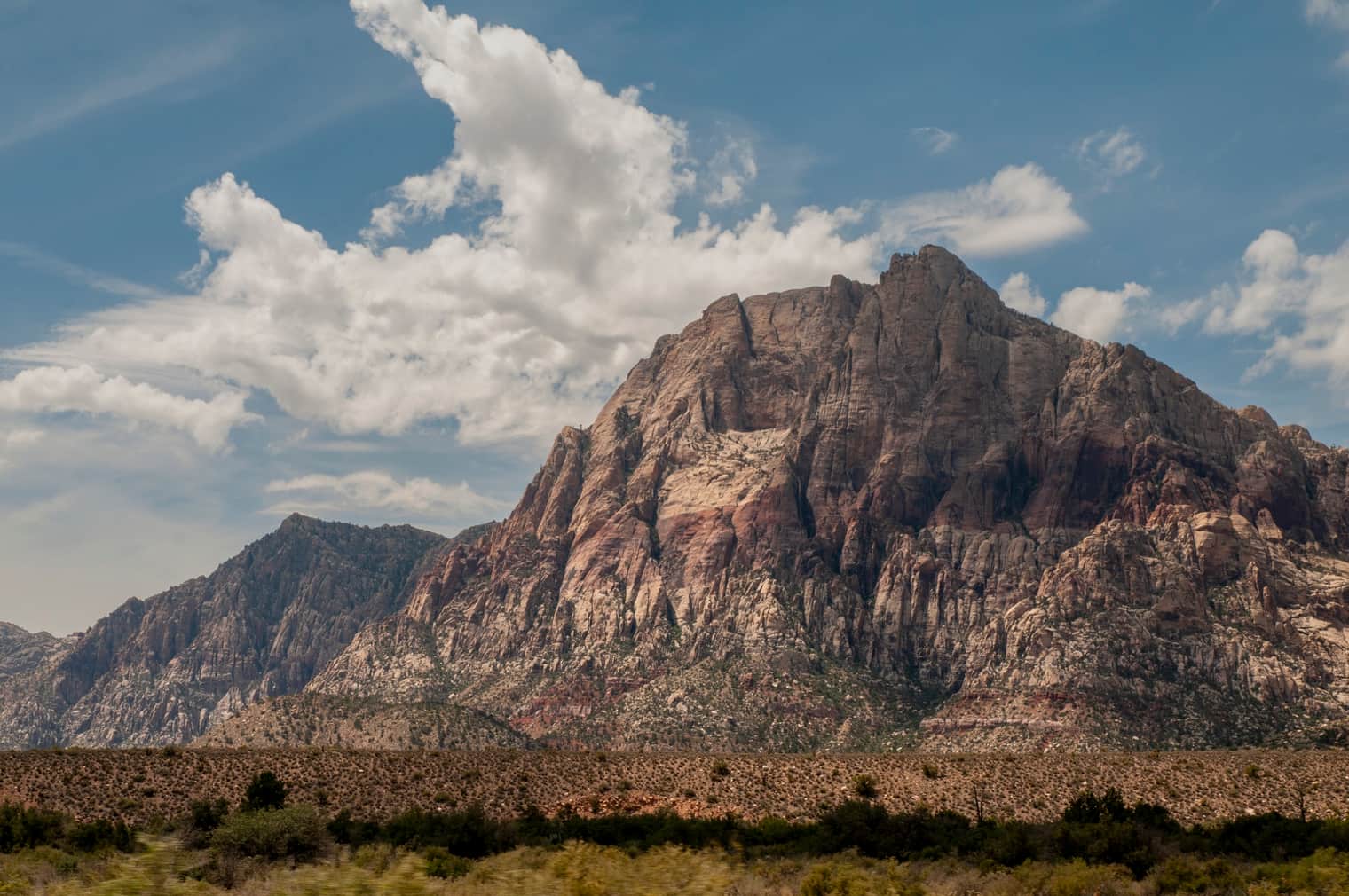
Point at a Look, or tab to it, to see it on the whole photo. Click to keep it, then set its Strength. A color Look starts at 75 and a black-and-white one at 100, and the next Look you point at shows at the Strength you set.
Look Browser
A demo on this page with nine of Radiant Photo’s Looks on one photo. Each picture was made ahead of time from the Look’s own color table. The demo’s Strength stops at 100; in the app it goes on to 200. In Radiant Photo, the Look Browser shows every Look on your own photo as you point at it.
The Look Browser
In Radiant Photo, the Look row opens the Look Browser: the collections down the side, and each Look as a tile drawn on your own photo.
Point at a tile and the Look shows on your whole photo. Move away and nothing has changed. Only a click applies it, as one step you can undo.
Type part of a name to find a Look in any collection.
Keeps the last twelve Looks you applied this session, one click away.
Mark the Looks you reach for. Radiant Raw and Radiant Photo share one list of favorites on your computer.
Shows the Looks large on your photo. Step through them with the arrows or the arrow keys.
Strength
Three sliders sit under the Look row: Strength, Look Contrast and Look Saturation. They wake up once a Look is on.
A color Look starts at 75 and a black-and-white Look at 100. Past 100, the Look is applied more strongly still.
Change to another Look and it keeps the Strength you set, so you compare Looks like for like.
From −100 to 100: firm up or soften the Look, and turn its color up or down.
Double-click Strength to go back to the Look’s own start: 75, or 100 for black and white.
Suggested by PRISM
With Radiant Flow on the same computer and PRISM Photo Score on, Radiant Raw and Radiant Photo suggest up to nine Looks for the photo you are editing, in a row of their own above the tiles. Point at one to preview it, as with any Look. Nothing changes until you pick one.
Your own LUTs
Load Lookup Table… at the foot of the collections list adds your own lookup tables to My Looks, where they work like any other Look.
.cube, .3dl, .lut, .m3d, .mga, .itx, .davlut and .dat.
With the Look Browser or the Looks Showcase open, drop .cube files onto it.
Rename your Looks, mark favorites and sort them into collections of your own.
The app reads each table to tell black and white from color, so your own black-and-white LUTs start at 100 too.
Radiant Raw’s Color Grading has Load Lookup Table… as well, and its own My Looks.
In the box
Questions
Yes. Load Lookup Table… reads eight common formats into My Looks. Radiant’s own Looks can’t be added there, because they are already in the app.
Yes. Radiant Raw and Radiant Photo share one list of favorite Looks on your computer.
At 75, a quarter of the photo’s own color would show through a black-and-white Look. At 100, the photo is fully black and white.
A Look sets the color and tone of the finished photo. A Recipe saves develop settings, which can include a Look, to apply in one step.
Key benefits


Design it once. Sign every output.
Done keeps your work. Export writes the files.
Every photo, understood. Right on your computer.
Every photo, scored. Every line, yours.
Many frames. One cover.
It suggests. You decide.
Every recipe. One panel.
One press for a good framing. Every other one in view.
Frame it your way, with good framings to choose from.
Straighten the lines. See every way first.
Smooth the grain. Keep the edges.
Crisp detail, smooth backgrounds.
Straight lines, even corners, clean edges.
Read the light. Without looking away.
Brush over a spot. Radiant Photo picks the clean source.
One workflow


